

Real AI ENC
Noise Reduction
Noise Reduction
Al-powered ENC (up to -43dB) reduces traffic, crowd chatter, and wind-while keeping your natural vocal quality intact.


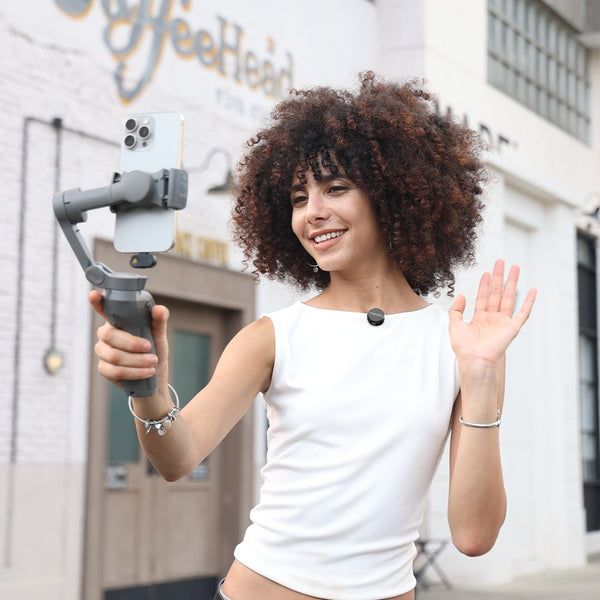
Ⅰ. Tiny Size, Remarkable Detail: Weighing just 6g, the T1 Mini Pro captures rich 24-bit/48kHz audio with an 85dB signal-to-noise ratio. Wear it comfortably and bring clarity to every story.
Ⅱ. Your Voice Takes Center Stage: AI-powered ENC offers 3 adjustable modes and up to 43dB of noise reduction. Keep distracting chatter and traffic in the background while your voice stays natural and clear.
Ⅲ. Shape Your Signature Sound: Fine-tune your recording with 20 gain levels across a 32dB range, 4 EQ presets, and 3 reverb modes. From spoken stories to vocal performances, make every take sound like you.
Ⅳ. Plug In, Start Creating: Auto-pair through the USB-C receiver with compatible phones, tablets, and computers. Control noise reduction, mute, and remote capture from the mic, or review footage without unplugging. USB-C connection required; Lightning iPhones are not supported.
Ⅴ. More Freedom, Longer Sessions: Move freely with up to 100m (328ft) wireless range. Record for up to 6 hours per mic, or 30 hours total with the charging case. A quick 5-minute charge adds an hour of recording.


Al-powered ENC (up to -43dB) reduces traffic, crowd chatter, and wind-while keeping your natural vocal quality intact.


Al-powered ENC (up to -43dB) reduces traffic, crowd chatter, and wind-while keeping your natural vocal quality intact.
Shout, Cheer, Get Loud - We've Got You Covered.
Tames loud sounds instantly, so you never get that nasty
crackling noise again.


Shout, Cheer, Get Loud - We've Got You Covered.
Tames loud sounds instantly, so you never get that nasty
crackling noise again.
Long Battery Life
328FT Stable Connection


Just one tap dials in 32dB gain to nail any volume, 4 EQ presets to match your mood, and 3 reverb modes for studio polish - the moment you speak, you're broadcast-ready.


Just one tap dials in 32dB gain to nail any volume, 4 EQ presets to match your mood, and 3 reverb modes for studio polish - the moment you speak, you're broadcast-ready.
Adjustable reverb adds depth and warmth to your voice & guitar - whatever your style, your sound travels with you.


Adjustable reverb adds depth and warmth to your voice & guitar - whatever your style, your sound travels with you.
One transmitter sends crystal-clear audio to two receivers at the same time - so you can shoot dual angles or capture landscape & portrait in a single take.
*If you need to connect to two USB-C devices, an additional USB-C receiver is available separately.


One transmitter sends crystal-clear audio to two receivers at the same time - so you can shoot dual angles or capture landscape & portrait in a single take.
*If you need to connect to two USB-C devices, an additional USB-C receiver is available separately.
32dB Gain Control
Custom EQ Presets


Plug & Play
Click to Mute
USB-C Compatibility




After successful pairing, open the MaonoLink app on your phone and enter the device details page. Tap the More icon in the top-right corner, then tap Restore Factory Defaults at the top-right and confirm.
! Important: Do not unplug the wireless receiver during the factory reset. Keep the microphone near the wireless receiver to avoid reset failure.
No worries - here's how to fix it in 4 simple steps.
1. Plug the USB-C receiver into your computer.
2. Right-click the sound icon in the bottom-right corner of your screen, select "Sound settings," and go to the "Recording" tab.
3. Find your "AI Wireless Lavalier Microphone" in the device list and set it as the default recording device.
4. Double-click the "AI Wireless Lavalier Microphone", turn the "Level" up to 100, and hit Confirm.
No worries - here's how to fix it in 4 simple steps.
1. Plug the receiver into your phone or computer first.
2. Long-press the power button to turn off the transmitter.
3. Long-press the transmitter power button again and keep holding it, the light will flash slowly 3 times first, then continue holding until it flashes rapidly.
4. Once paired, the indicator stays solid: blue for normal mode, green for noise-reduction mode.
Yes - but only when one phone has a Lightning port and the other has a USB-C port. The combo kit includes both Lightning and USB-C receivers,so a single transmitter can send audio to both devices simultaneously.
This setup is ideal for:
* Two-angle shooting
* Recording to a phone and a computer at the same time
* Capturing both landscape and portrait versions simultaneously for different platforms (e.g., YouTube and TikTok/Reels)
Simple - all the controls are built right into the mic. Here's how it works:
1. Auto-pair-Plug the receiver into your phone or computer. Be careful not to press the receiver button while plugging it in - otherwise, you may need to pair manually.
2. Tap the button on the transmitter:
One tap toggles between noise reduction (green light) and normal mode (blue light).
Two taps mute the mic (red indicator light).
Triple-tap to start/stop recording or take a photo remotely - available when your
phone is on the camera or video recording screen.