


PD500W Hybrid
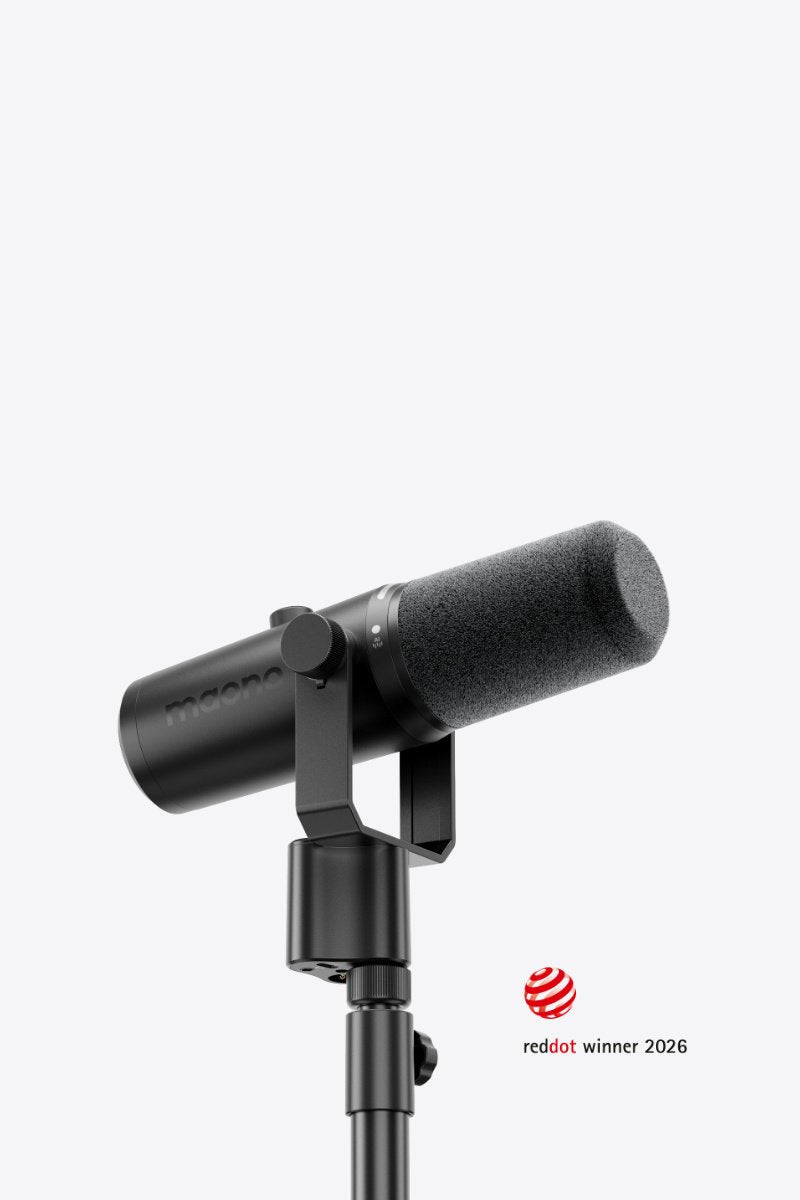
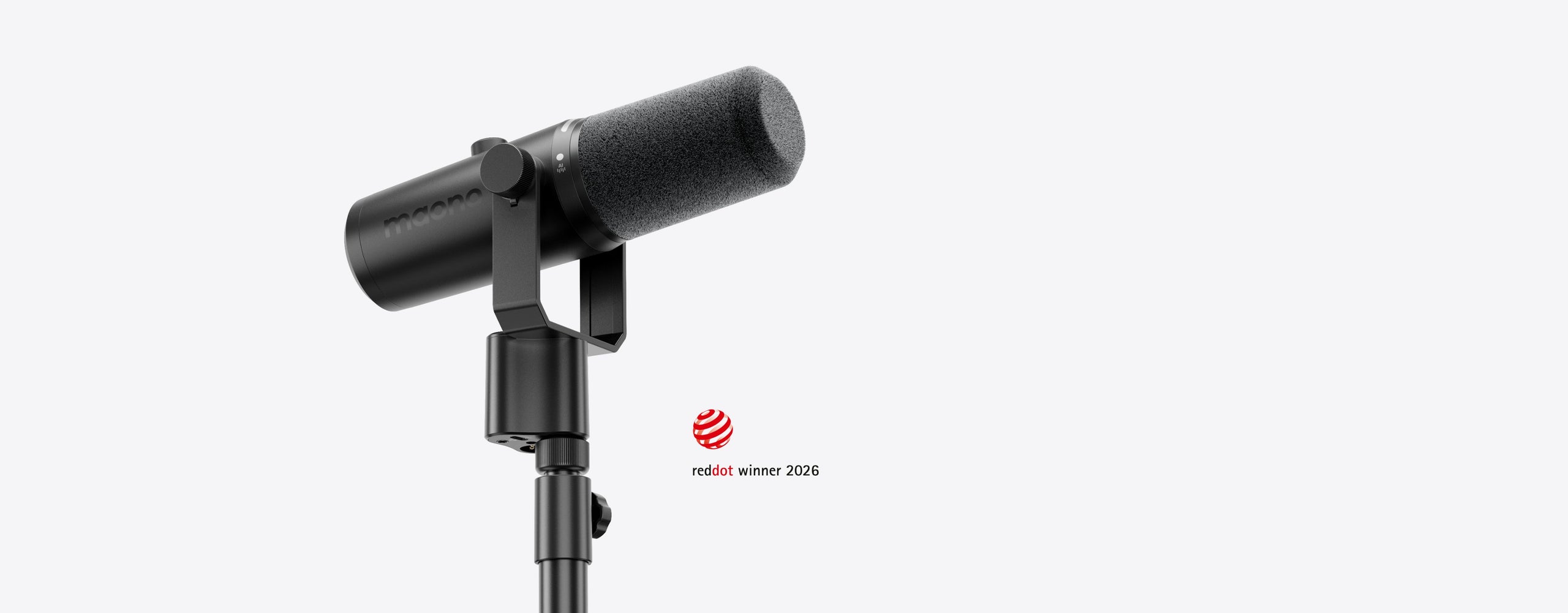
Hybrid Dynamic Mic for Modern Creators

32GB Internal Recording
2.4GHz Wireless
USB-C Connectivity
XLR Connectivity


32-Bit Float Internal Recording
Safer Backup Channel
De-Popper & Limiters
Adaptive AGC


For Group Podcasts
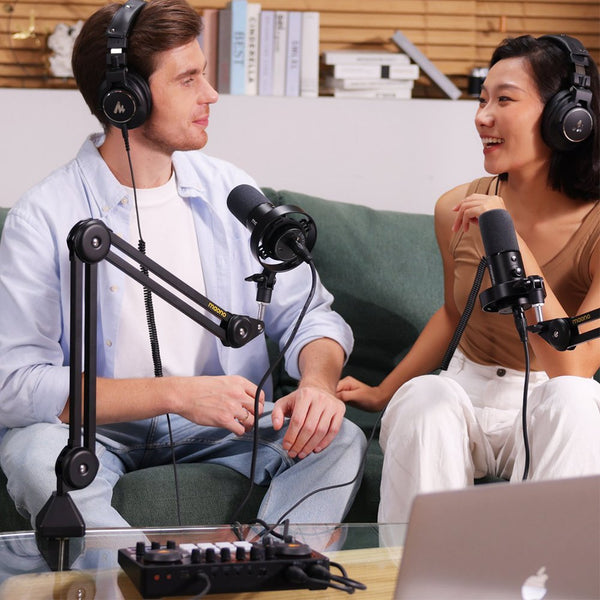
For Dual Podcasts
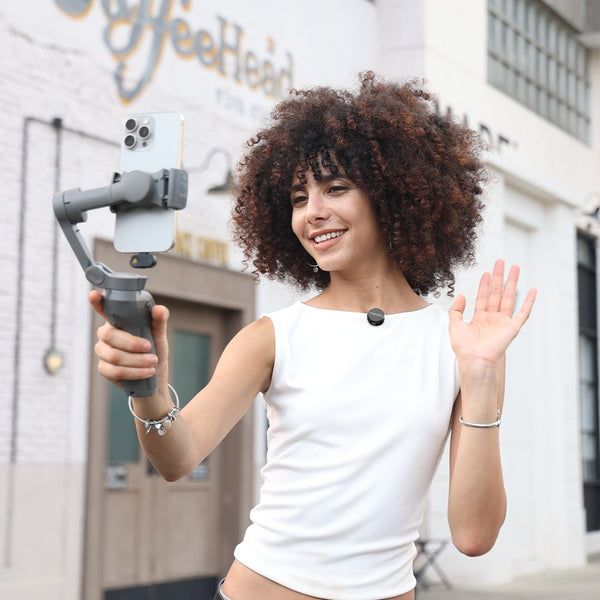
For Streamers
For Vocalists


FAQs
One camera receiver can support two microphones as it only supports one-to-two mode.
Step1: Disabling internal recording of your microphone.
Step2: Connect the microphone to your phone or computer with a USB-C cable.
Step3: Press and hold the Internal Recording button for 5 seconds. When the recording indicator lights up orange, you can transfer the files to your device.
Note: It currently supports Windows, iOS and Android systems.
A3: 1. On the microphone
Short press the Internal Recording button to start Internal Recording; the red indicator light on the side will turn on. Long press for 3 seconds again to stop recording.
2. Via Maono Link software
Click the Internal Recording button to enable/disable Internal Recording.
The PD500W supports two connection methods: wireless and wired.
Wireless Connection: Plug the wireless receiver into your computer's USB port. Power on the microphone. A solid green mute indicator light means pairing is successful.
Wired Connection: Use a USB-C cable to connect the Type-C port on the microphone to the USB port of your computer. The device will connect automatically, and no power-on operation is required.
Short press the knob to switch adjustment modes.
When the mute indicator light is white: Gain adjustment mode. Turn the knob clockwise to increase microphone gain, and counterclockwise to decrease it.
When the mute indicator light is blue: Headphone volume adjustment mode. Turn the knob clockwise to raise headphone volume, and counterclockwise to lower it.