



Looking for the P1/P2 software, a connection video or help with a specific setup? Everything is collected below.
Download ProStudio 2
ProStudio 2 lets you manage the P1 from your computer, including audio channels, routing, VST effects and output settings.
Download ProStudio 2 for Windows
ProStudio 2 currently supports Windows 10 64-bit and later. If you use a Mac, phone or tablet, skip the download and go to the connection tutorial below.
Need help installing or using the software? Read the ProStudio 2 user guide.
Watch a P1/P2 Tutorial
Ⅰ. Connect your P1/P2
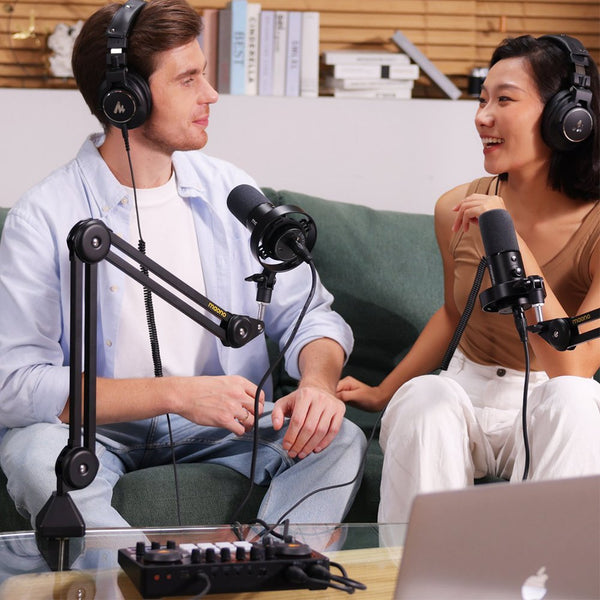
See how to connect the P1 or P2 to a computer, phone or camera.
Ⅱ.Record vocals
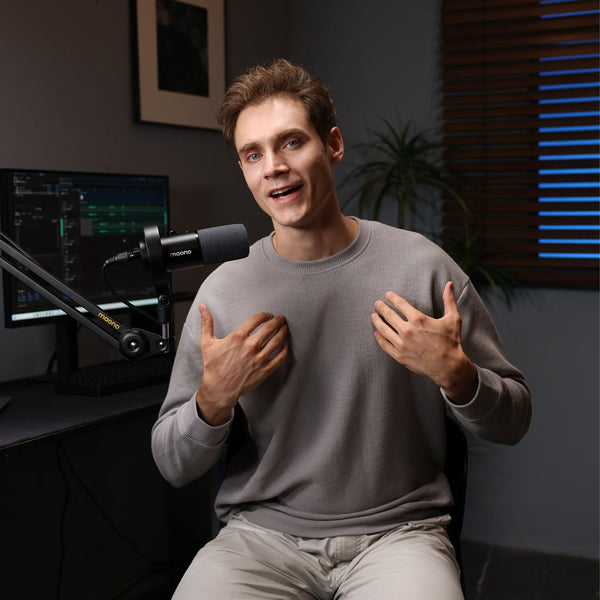
Set up your microphone, input level and monitoring before you start recording.
Ⅲ.Set up a dual-PC stream
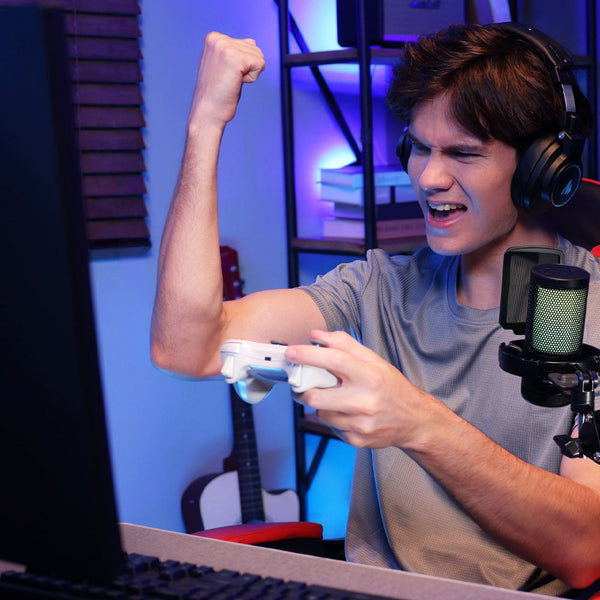
Connect the P1/P2 to a two-computer gaming or livestreaming setup.
Ⅳ. Record guitar and vocals
Connect a microphone and guitar to the P1 and record both at the same time.
Manuals, FAQs and more
Use these links when you need detailed instructions or help with a specific issue.
- P1/P2 Help Center: Find the user manual, compatibility list, firmware update instructions and other P1 resources.
- P1/P2 video library: Browse the latest P1 setup and feature videos.
- P1/P2 FAQ: Get help with connection, power, microphone input, recording and audio problems.
- ProStudio 2 user guide: Learn how to use channels, routing, VST effects, SoundPad and output controls.
- DAW setup guide: Set up the P1 with Studio One, Reaper, Cubase and other recording software.
Recommended products to pair with your P1/P2
Build a practical recording or streaming setup around your P1 with these MAONO products.
Ⅰ. Maono XLR microphone: Connect the microphone to the P1 through its XLR output for podcasting, streaming and vocal recording.
Ⅱ. Maono XLR microphone cable: Use an XLR-to-XLR cable to connect a compatible XLR microphone to the P1 microphone input.
Ⅳ. Maono BA37 mic boom arm: Keep your microphone within easy reach while freeing up space on your desk.
Ⅴ. Maono studio monitoring headphones: Connect the headphones to the P1 headphone output for direct monitoring and mix checks.
Still need help?
You can also join the MAONO Discord community to ask setup questions and discuss with other Maono users. our technical support is in the group for direct help.

If your P1/P2 is not working as expected, contact the Maono support team. Include your operating system, connected devices, recording or streaming app, and a short description of the problem.
Your Voice Matters
Join the Maono Discord community to get direct support from our technical team, ask setup questions, and be among the first to test upcoming products.