
A microphone rarely stays in one setup anymore. A creator may record a podcast through an audio interface, shoot an interview on a camera, make short videos on a phone, and stream from a computer in the same week. The sound still needs to match, even when the equipment and location change.
The Maono PD500W hybrid microphone is designed for that kind of workflow. USB, XLR, and 2.4 GHz wireless give creators three ways to connect to their main recording device. Internal recording adds a separate path inside the microphone and can run at the same time as any of them.
Which features matter most depends on the job. In-person podcasters may care about separate tracks, while video creators need camera and phone compatibility. Streamers want a reliable live signal and audiobook narrators need protection for long sessions.
Choose the recording path that fits the device
PD500W does not require every creator to use the same connection. The main recording path can change with the project:
| Recording task | Main connection | How internal recording helps |
|---|---|---|
| Computer podcast or desktop recording | USB | Saves a separate copy inside the microphone |
| Audio interface, mixer, or studio chain | XLR | Runs alongside the external analog recording path |
| Camera interview or mobile video | 2.4 GHz wireless | Keeps local audio if the camera or wireless path has a problem |
| Standalone voice capture | Internal recording | Records without a computer, interface, camera, or separate recorder |
USB is the direct route into a computer and Maono Link. XLR fits an interface, mixer, or studio chain. Wireless works with the appropriate camera or mobile receiver. Available receivers, cables, and timecode support depend on the selected PD500W bundle.
AGC, AI noise reduction, and Maono Link processing work through USB or wireless, not through the standard XLR analog output. Internal recording can still run with XLR, so a narrator can record into a DAW and keep another file inside the microphone.
How does PD500W fit into an in-person podcast workflow?

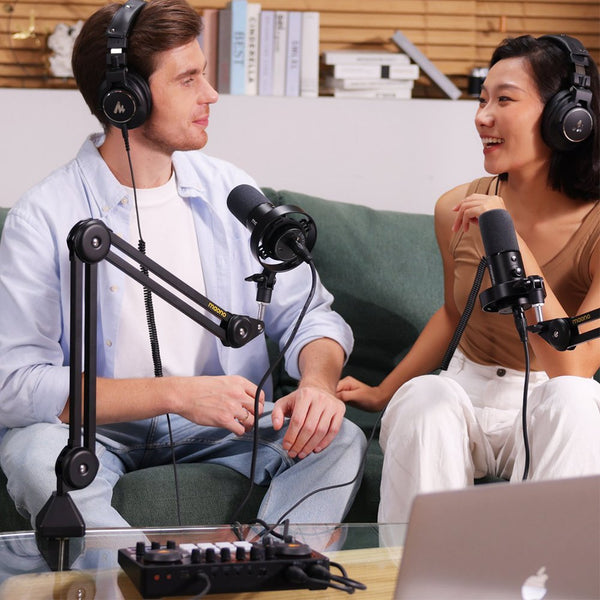
Two microphones, several cameras, and a guest can turn an in-person podcast into a complicated setup. One podcaster on Reddit put the goal plainly: "I want clean separate tracks without creating a mess in post-production."
For a two-person podcast, one PD500W camera receiver can connect to two microphones. In stereo mode, it sends each microphone to a separate channel. If the guest coughs while the host is talking, that track can be lowered without cutting the host. A quieter speaker can also be adjusted alone.
Separate tracks do not remove every room problem. Microphone placement still matters. Each speaker should stay close to the front of the cardioid microphone, and the microphones should be positioned to reduce how much of the other voice reaches them. A reflective room or a guest who leans far away will still create extra work.
Internal recording deals with a different risk. A long guest conversation may be impossible to recreate after a wrong camera input or a loose cable. PD500W can save audio inside each microphone while the main signal goes to the camera, computer, or mixer. For a single source, the receiver can also use a -9 dB safety track mode when a laugh or sudden reaction pushes the main track too high. Split-channel recording for two microphones and safety track recording are different channel choices, so select the mode before the session.
Video podcasters can use timecode with the camera receiver to align compatible camera footage with internal audio. After recording, Maono Link AI transcription and summary tools can make the conversation searchable, pull out main topics, and prepare a first draft of show notes. The editor still makes the final choices without finding every useful moment by scrubbing through a long waveform.
How can content creators use PD500W across cameras, phones, and computers?

A voiceover may be recorded at a desk in the morning, followed by a camera interview and a short phone video later that day. Each device has its own inputs, adapters, permissions, and level settings.
One smartphone creator described finishing a recording only to discover "there's video but no audio." The creator had already checked settings and permissions. The problem appeared after the work was done, when another take meant rebuilding the setup and repeating the performance.
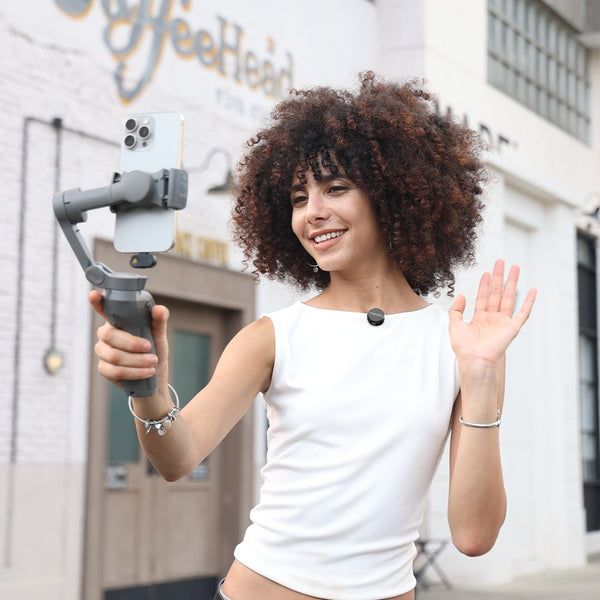
PD500W gives that creator a consistent microphone across several capture devices. USB handles a computer voiceover. XLR connects to an interface when the project needs an established studio chain. The camera receiver handles an interview or video podcast, while the mobile receiver fits phone-based content. Internal recording can stay active with any of those three paths.
The creator can send audio to the camera or phone for a simple edit while the microphone keeps its own file. If the main device uses the wrong input, an app ignores the external microphone, or wireless interference affects the signal, the internal recording provides another place to recover the voice. It does not replace monitoring, but the shoot no longer depends on one connector or app.
For camera production, 32-bit float internal recording gives the editor more room to recover a take that was captured too high or too low. The -9 dB safety track offers a lower-level alternative for unexpected peaks when that channel mode is selected. Timecode on the camera receiver can reduce manual synchronization when the internal recording becomes the preferred track in post.
The second content creator problem begins after the camera stops. A NewTubers user tracked the time spent cutting Shorts, writing descriptions, and planning posts for other platforms. "Three hours for one video. Felt insane."
AI tools cannot finish a video or make editorial decisions for the creator. They can shorten the review stage. Transcription makes a long interview searchable. A summary provides a quick map of the main ideas. Translation can prepare a starting point for subtitles or another language version. The same text can help with a video description, chapter notes, a blog outline, or a list of moments worth cutting into shorter clips. Human review is still needed, especially for names, technical terms, and public-facing copy.
For content creators, the recording device can change without forcing a microphone change. The material can then move into a faster review and repurposing process.
How does PD500W support live streaming?

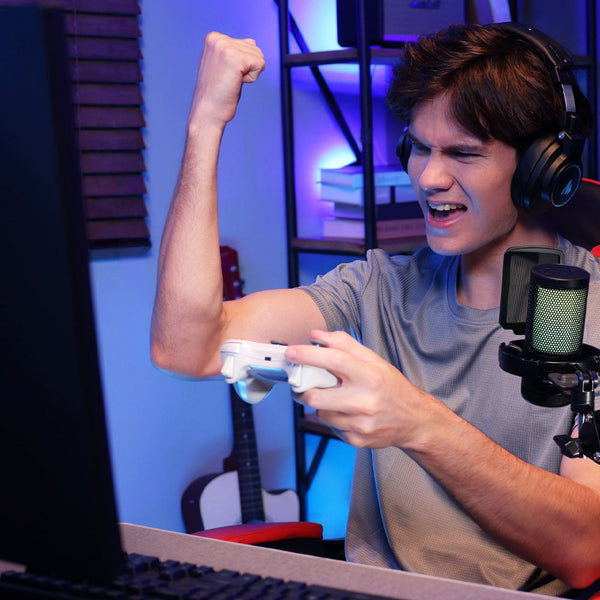
Live streaming asks a microphone to sound polished and stay consistent while the creator is focused on the game, chat, scenes, and guests. One user described the trade-off clearly: "I prefer to use a mic on XLR for general use, but for live streaming on a gaming channel, a USB mic that sounds good with its own compressor and EQ ... is quite nice."
PD500W can still connect over XLR when a streamer wants an interface, mixer, or external processing chain. For a simpler desktop setup, USB connects the microphone directly to the streaming computer and makes its processing controls available through Maono Link. Its warm broadcast sound suits a close, spoken voice, while real-time headphone monitoring lets the streamer check the signal before going live.
The De-popper softens the low-frequency bursts caused by close-up P and B sounds. The compressor reduces the gap between quieter speech and excited reactions, helping the voice remain present without constant gain changes. The limiter catches sudden peaks before they overload the live signal. Together, these tools make the microphone easier to manage during a stream, especially when the creator cannot watch an audio meter every moment.

These tools do not replace the setup basics. The streamer should still keep a consistent speaking distance, set an appropriate input level, monitor through headphones, and confirm that OBS or the chosen streaming application is receiving the intended microphone source before going live.
How does PD500W protect audiobook and voice recording sessions?

A chapter may take hours once retakes and character voices are included. Losing it wastes time, and the narrator may not reproduce the same pacing, tone, or delivery on another day.
An audiobook narrator on Reddit realized that the original WAV files had been deleted and asked whether the only responsible option was to "re-record the whole chapter(s)." In another discussion, a narrator worried that a voice recorded the next day would not match the tone of the earlier session. Those are practical reasons to keep a second recording path active.
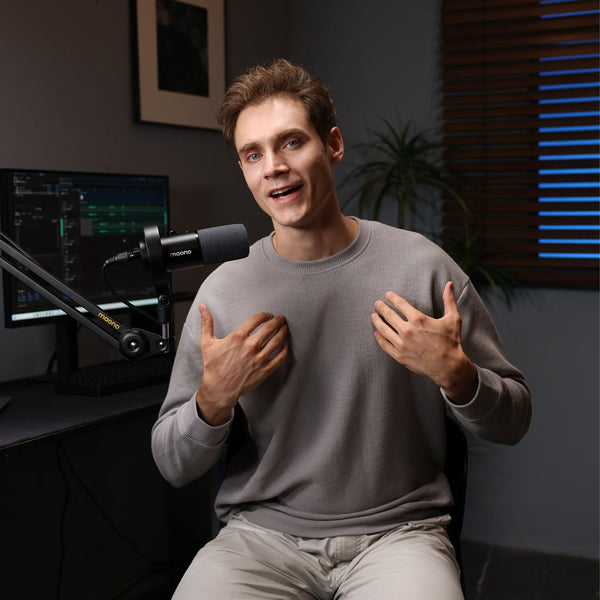
PD500W uses a 30 mm dynamic capsule with a cardioid pickup pattern and a warm, broadcast-style sound. USB can feed a home recording application, while XLR connects to an audio interface and DAW. In either workflow, internal recording can run at the same time and save another file inside the microphone.
The built-in 32 GB storage holds approximately 45 hours of 32-bit float internal recording or 55 hours at 24-bit. The microphone can run for up to 60 hours with RGB lighting off under specified test conditions. Recording time depends on storage format; battery life describes how long the microphone can operate on a charge. The PD500W user guide explains the internal recording settings and file export workflow.
For narration with wide changes in volume, 32-bit float keeps more level information for post-production. A controlled audiobook session may use 24-bit when the longer storage time is more useful. Neither option should become the only archive. A safer routine is to stop at chapter boundaries, verify the file, and copy it to the computer plus another storage location. Loop recording should be used carefully because it can overwrite the earliest files when storage is full.
One microphone, different recording paths
PD500W fits these workflows because it does not force every project through the same connection. USB works at the computer. XLR joins an existing studio chain. Wireless connects the microphone to a camera or phone. Internal recording can stay active alongside any of them when the session needs another copy.
The rest depends on the work. An in-person podcaster may prioritize separate tracks. A video creator may care more about camera compatibility and timecode. A streamer needs a dependable live signal and a local voice file. A narrator needs warm sound and protection for a long performance. Choosing the right path for the job is more useful than turning on every feature.
Frequently asked questions about PD500W workflows
Q1: Can PD500W record internally while using USB, XLR, or wireless?
Yes. Internal recording can run while USB, XLR, or 2.4 GHz wireless is used as the main connection. It can also record on its own without a computer, camera, interface, or external recorder.
Q2: How many PD500W microphones connect to one camera receiver?
One camera receiver supports up to two PD500W microphones. In stereo mode, the receiver can output the two microphones on separate channels for editing. Larger podcast setups may need additional receivers or a mixer with enough inputs.
Q3: Does AGC work through XLR?
No. AGC and other Maono Link digital processing depend on USB or wireless digital paths. Standard XLR output is an analog signal. Internal recording can still run alongside XLR.
Q4: Is 32-bit float internal recording the same as a safety track?
No. A 32-bit float internal file preserves a wider range of level information for adjustment in post. The safety track is a separate channel recorded 9 dB lower than the main signal. They protect recordings in different ways.
Q5: Do the AI tools edit video automatically?
No. Maono Link AI transcription, summary, and translation tools help creators review and organize recorded speech. They can support captions, notes, descriptions, and content planning, but they do not replace video editing, audio mixing, or a final human review.