

Quick take
The MAONO P1 is best for solo creators who use one XLR microphone and want an instrument input plus easy connections for a computer, phone, or camera. Its 70 dB gain and Auto Gain help with level setup. Choose the P2 if you regularly need two microphones or two separately recorded sources.
Who is the MAONO P1 designed for
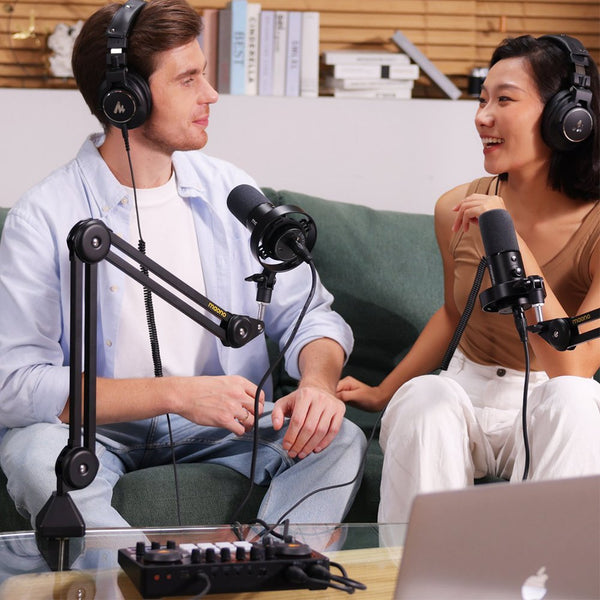
MAONO P1 is best suited to a solo creator who wants one interface to cover voice, instrument, computer audio, phone livestreaming, and camera recording. MAONO lists one microphone preamp, one instrument or line input, Auto Gain, an OTG port, and a camera output. Those choices point to a personal creator desk rather than a multi-guest studio.
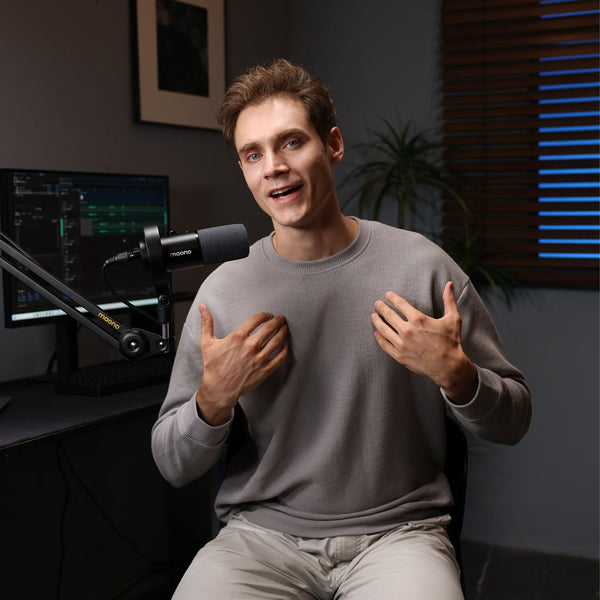
A solo podcaster or voiceover creator can connect an XLR microphone, listen through wired headphones, and send audio to a computer. The 70 dB gain range gives more adjustment room with lower output dynamic microphones. Direct monitoring lets the speaker hear the input before it makes a round trip through recording software, which helps avoid distracting delay while talking.
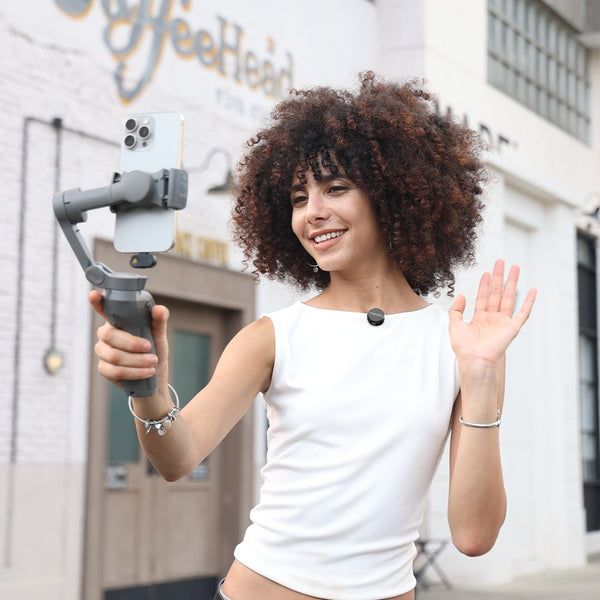
A phone livestreamer gets a more specific benefit. P1 has a USB-C OTG connection for a phone or tablet, while its main USB-C connection supplies power and carries computer data. MAONO's P1 FAQ says the interface needs a separate USB-C power connection when it is used with a phone. A creator can therefore keep the microphone and computer mix in P1 while sending the finished audio to the livestreaming phone.
A singer-songwriter can use the microphone input for a vocal mic and the separate Hi-Z input for guitar. This layout is practical for a solo performance or demo. It does not turn P1 into a two-channel microphone interface: only one input has a microphone preamp and XLR connection.
A video creator can send processed audio from P1 to a camera through the 3.5 mm camera output. The camera must have a compatible microphone input, and the recording level should be checked before a take. This route can reduce the need to synchronize a separate audio recording in post, although a short test recording is still worth doing.
What does the P1 add to a solo creator setup
P1 adds flexibility where many compact interfaces stop at a microphone, headphones, and a computer. Its strongest case is a mixed creator workflow: one person records a voice, may plug in an instrument, brings computer audio into a stream, and sometimes sends the same mix to a phone or camera.
The microphone preamp provides up to 70 dB of gain. More available gain can help a quiet speaker or a low output dynamic microphone reach a workable recording level without an inline booster. It does not guarantee low noise in every setup. Microphone sensitivity, speaking distance, room noise, cable condition, and the final gain setting still affect the recording.
Auto Gain is useful when the user does not yet know where to set the microphone level. It can establish a starting point more quickly than turning the gain knob while watching a software meter. The level should still be checked during the loudest part of the performance. Automatic setup cannot predict every sudden laugh, shout, or change in distance.
P1 supports recording at up to 24-bit and 192 kHz on compatible computer setups. That specification leaves plenty of resolution for recording and production, but most livestream platforms and mobile apps operate at lower rates. In Notebookcheck's P1 test, a connected Android phone was limited to 48 kHz even though the interface reached higher rates with a computer. Mobile behavior can depend on the phone, operating system, app, and connection mode.
The physical controls keep common actions close at hand. P1 has controls for gain and output, 48V phantom power for compatible condenser microphones, mute functions, and direct monitoring. Notebookcheck noted that the controls produce audible clicks and that the soft LED colors can be harder to distinguish under bright lighting. Those are small details, but they matter when the interface sits within reach during a live show.
ProStudio 2 expands the computer workflow with physical and virtual inputs, submix routing, VST effect support, sound pads, and ASIO settings. MAONO's help center lists one XLR channel for P1, along with USB and OTG channels. The software can also route application audio such as music, chat, or game sound. Creators who only need a clean microphone recording can ignore most of this. Streamers who need separate mixes for an audience and a chat channel have more to work with.
Software compatibility deserves a check before purchase. MAONO's current ProStudio 2 requirements list Windows 10 64-bit or later. The P1 hardware is also listed as compatible with macOS, Android, and iOS, but the full Windows routing and ASIO workflow should not be assumed on every platform.
Where does P1 fit in a computer phone and camera workflow
P1 sits between the sound sources and the recording or publishing device. The microphone and instrument enter the interface first. A computer can provide power, record the inputs, and add playback or software processing. The OTG connection sends audio to a phone, while the 3.5 mm camera output feeds a compatible camera input.
For a desktop podcast, connect the microphone to the XLR input, connect P1 to the computer by USB-C, and plug wired headphones into the headphone output. Select P1 as the input and output device in the recording software. Turn on 48V only when the connected microphone requires phantom power, and turn it off before changing microphone cables.
For a phone livestream, connect the computer to the main USB-C port and the phone to the OTG port. The computer connection can supply power and can carry playback or processed audio. The phone receives the stream mix through USB audio. If no computer is used, MAONO's FAQ instructs users to supply power through the main USB-C port while the phone remains connected to OTG.
For camera recording, connect the camera output to a camera with a 3.5 mm microphone input. Start with a conservative output level and record a short test. Camera preamps vary, and a level that works on one model can overload another. Headphones connected to P1 confirm the interface mix, but the camera's own meters or playback should confirm what the camera actually recorded.
When should you choose P2 or another interface
Choose the MAONO P2 when the setup regularly needs two microphone preamps or two independently recorded sources. P2 has two microphone preamps and two instrument or line inputs, while P1 has one of each. That difference matters more than P1's extra gain when the work involves interviews, co-hosts, two vocalists, or two instruments.
The comparison is not a simple upgrade ladder. MAONO lists P1 at up to 70 dB of microphone gain with Auto Gain. P2 provides up to 56 dB and does not list Auto Gain, but it adds the second preamp and a second headphone output. P1 is the better match for one person who values gain range and easier level setup. P2 is the better match when collaboration is built into the session.
A simpler computer-first interface can also be the smarter purchase. If the creator never connects a phone or camera, does not need Loopback or software submixes, and records one common condenser microphone into a DAW, much of P1's hybrid design may go unused. In that case, budget, driver support, monitor outputs, and local service may matter more than OTG.
P1 is also the wrong starting point for a USB-only microphone. A USB microphone already contains its own converter and connects directly to the computer or phone. P1 makes more sense when the microphone has an XLR output, when an instrument must be added, or when the creator wants hardware monitoring and additional routing.
MAONO P1 and P2 at a glance
| Feature | MAONO P1 | MAONO P2 |
|---|---|---|
| Mic preamps | 1 | 2 |
| Instrument or line inputs | 1 | 2 |
| Maximum mic gain | 70 dB | 56 dB |
| Auto Gain | Yes | No |
| Maximum resolution | 24-bit / 192 kHz | 24-bit / 192 kHz |
| OTG phone workflow | Yes | Yes |
| Camera output | Yes | Yes |
| Best fit | Solo and mobile creator | Two-person or two-source recording |
Source: current MAONO product and comparison pages. Check product specifications and availability again before publication.
What does a practical P1 setup look like
A practical P1 setup starts with one main creator and one primary microphone. The surrounding connections change with the content, but the input limit does not. Planning around that limit keeps the desk simple and prevents a later surprise.
For a solo podcast or voiceover desk, use an XLR microphone, wired headphones, and a computer running the recording application. Direct Monitor is useful while setting the microphone position. Loopback is useful only if the recording must include a remote guest or application audio.
For phone livestreaming, connect the XLR microphone to P1, keep P1 powered through its main USB-C port, and connect the phone to OTG. A Windows computer running ProStudio 2 can add music, chat, sound effects, or VST processing before the mix reaches the phone. Keep the phone powered separately if the stream will run long, because the audio connection should not be treated as a promise that the phone will charge.
For a singer-songwriter session, connect the vocal microphone to the XLR input and the guitar to the Hi-Z instrument input. Set the two levels separately and monitor through headphones. This is a convenient two-source performance setup, but it is not the same as two microphone preamps and may not suit two singers.
For camera content, connect the microphone and any required computer audio to P1, then send the camera output to the camera's microphone input. Record a clap or short spoken test before filming. That test confirms level, channel assignment, and lip sync while the setup can still be changed.
MAONO P1 review verdict
The MAONO P1 is a strong fit for a solo creator whose work moves between a computer, phone, and camera. The 70 dB microphone gain range, Auto Gain, one microphone preamp, separate instrument input, Loopback, and direct monitoring form a coherent one-person setup. These features are useful when the same desk handles podcasts, streams, music, and video.
The single microphone preamp is the deciding limit. Buyers who expect regular interviews, two-person podcasts, or two independently editable microphone tracks should choose P2 or another two-preamp interface. Buyers who work alone and need mobile or camera connections are the audience P1 was designed to serve.
Frequently asked questions
Is the MAONO P1 good for a solo podcast or voiceover setup
Yes. P1 has one XLR microphone preamp, up to 70 dB of gain, direct monitoring, and a headphone output, which covers a one-person voice setup. Use P2 when two microphones must be connected and recorded regularly.
Will MAONO P1 work with a dynamic microphone
Yes. P1 supports dynamic microphones through its XLR input and provides up to 70 dB of microphone gain. The required gain depends on microphone sensitivity, speaking distance, and voice level, so no single setting works for every dynamic microphone.
Can MAONO P1 connect to an iPhone or Android phone for livestreaming
Yes. MAONO lists Android and iOS compatibility and provides a dedicated USB-C OTG port. The phone may need a compatible adapter, OTG support, or a data-capable cable, and P1 still needs power through its main USB-C connection.
Can P1 record guitar and vocals at the same time
Yes. P1 has one microphone preamp and one separate Hi-Z instrument input, so a solo musician can connect an XLR vocal microphone and a guitar. The two inputs do not provide two XLR microphone paths.
Does MAONO P1 need a computer for phone livestreaming
A computer is useful when the creator wants ProStudio 2 routing, computer playback, or software effects, but P1 can also send audio to a phone without a computer. MAONO's FAQ says the interface must receive power through its main USB-C port while the phone connects to OTG.
What is the difference between MAONO P1 and P2
P1 has one microphone preamp, one instrument input, up to 70 dB of gain, and Auto Gain. P2 has two microphone preamps and two instrument or line inputs with up to 56 dB of gain, making it better for two people or two independently recorded sources.
Related MAONO guides
- Compare MAONO P1, P2, and PS22 Lite
- Set up P1 for phone livestreaming
- Download and learn ProStudio 2
- View the MAONO P1 product page