Salta al contenuto

Up to 25% Off Sitewide + Free Shipping Insurance

🔥 BLACK FRIDAY DEAL IS HERE

--
Days
:
--
Hours
:
--
Mins
:
--
Secs
Activity Ends

HOW-TO

How to Record a Two-Person Podcast Without a Complicated Setup

How to Record a Two-Person Podcast Without a Complicated Setup

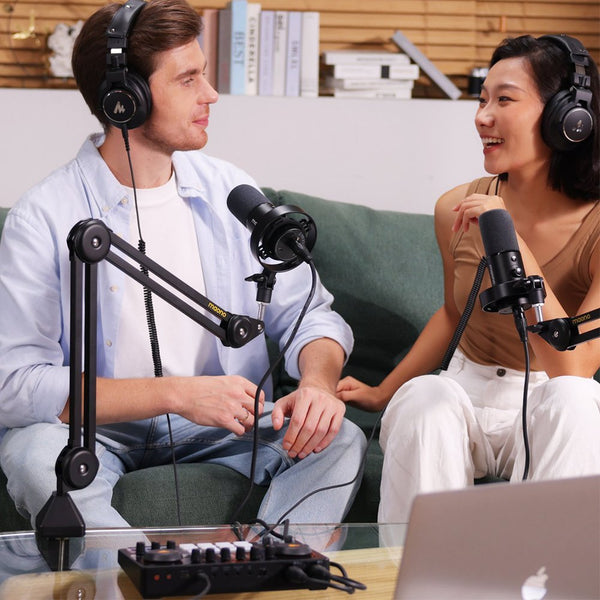
A two-person podcast does not have to begin with a mixer, a rack of gear, or a tangle of cables. If you and a co-host record in the same room, the Maono PD500W hybrid microphone gives you three ways to capture the conversation: connect two microphones to one wireless receiver, record audio inside the microphones, or use the XLR outputs with an audio interface you already own. For many first-tim...

by Cai Joyce
CONTENT CREATIONHOW-TO
How to Connect One Microphone to a Computer, Phone and Camera

How to Connect One Microphone to a Computer, Phone and Camera

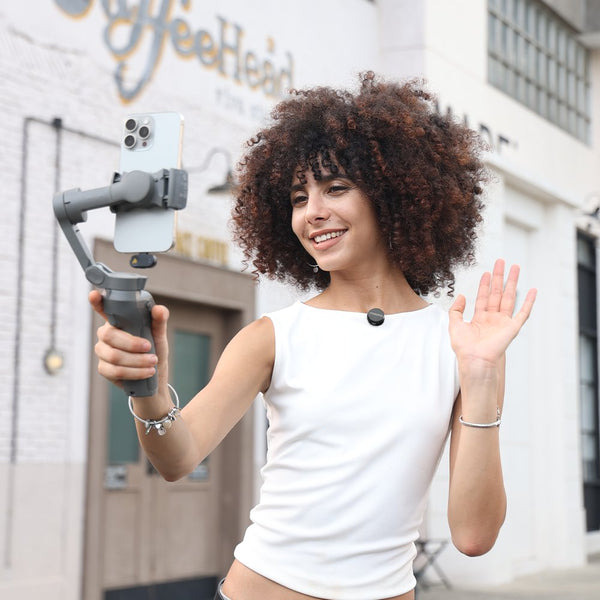
The Maono PD500W hybrid microphone connects to different recording devices, but the setup depends on what you are connecting it to. A computer can receive audio over USB-C, through a wireless receiver, or through an XLR audio interface. A phone can use a compatible PD500W receiver. Camera recording uses the camera receiver. This guide walks you through the connection steps for each device. Befo...

by Cai Joyce
HOW-TOPRODUCT GUIDE
How to Route App Audio and Loopback in ProStudio 2

How to Route App Audio and Loopback in ProStudio 2

Quick take To route app audio in ProStudio 2, assign the app to a virtual playback channel, set its level in the Stream or Chat mix, and select Stream Input or Chat Input in the destination app. This lets OBS, recording software, or voice chat capture computer audio together with the microphone. ProStudio 2 app audio routing lets a MAONO P1 or P2 user place music, browser sound, game audio, a...

by Cai Joyce
HOW-TO
How to Mix Your Mic and Music for Phone Livestreaming with MAONO P1

How to Mix Your Mic and Music for Phone Livestreaming with MAONO P1

Use a Windows PC for backing tracks and effects while your phone handles the livestream. Quick answer: MAONO P1 can send your microphone, backing track, and sound effects to a phone livestream. In this workflow, a Windows PC runs ProStudio 2 and plays the music and effects, while the phone handles the camera and broadcast. Keep the PC connected throughout the stream. You might already have the ...

by Cai Joyce
HOW-TOLive Streaming
MAONO G3 vs. G1 NEO: Which Game Streaming Audio Mixer Should You Choose?

MAONO G3 vs. G1 NEO: Which Game Streaming Audio Mixer Should You Choose?

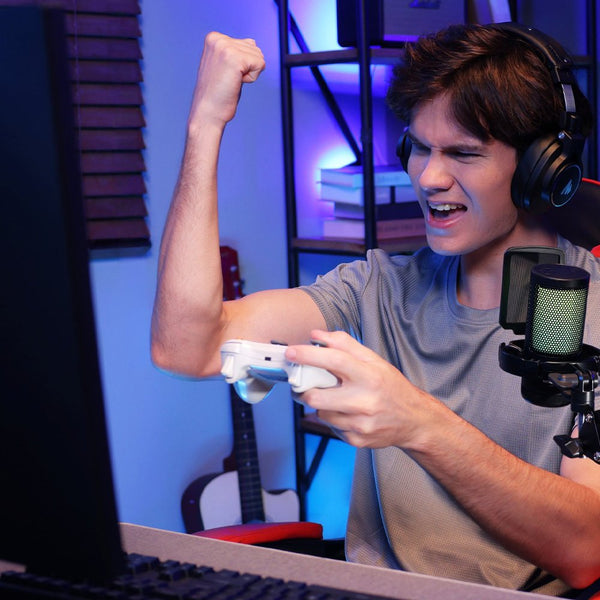
Quick take Choose the MAONO G3 if you stream from a Windows PC and need to control several audio sources separately. It is built for game audio, Discord or chat, music, browser alerts, and microphone control through MAONO Arena. It also supports a dual-PC workflow and lets you create separate Stream, Chat, and Headphone mixes. Choose the Maonocaster G1 NEO if you want a simpler gaming mixer wit...

by Cai Joyce
HOW-TOPRODUCT GUIDE
How the Maono PD500W Fits Into Real Creator Workflows

How the Maono PD500W Fits Into Real Creator Workflows

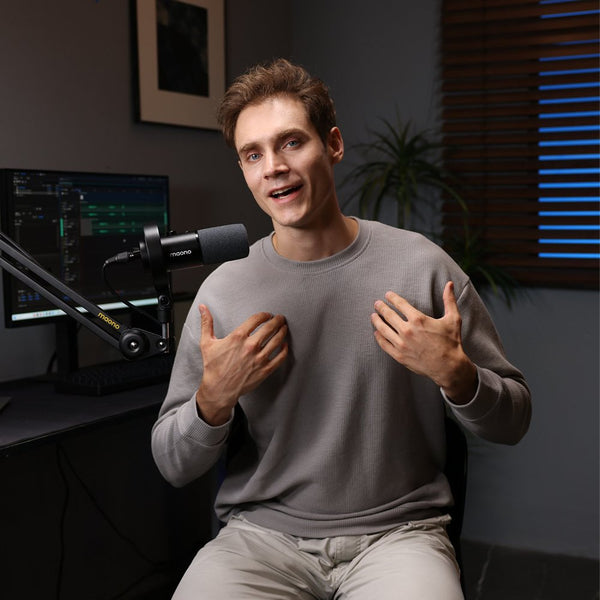
A microphone rarely stays in one setup anymore. A creator may record a podcast through an audio interface, shoot an interview on a camera, make short videos on a phone, and stream from a computer in the same week. The sound still needs to match, even when the equipment and location change. The Maono PD500W hybrid microphone is designed for that kind of workflow. USB, XLR, and 2.4 GHz wireless g...

by Cai Joyce
HOW-TOPRODUCT GUIDE