




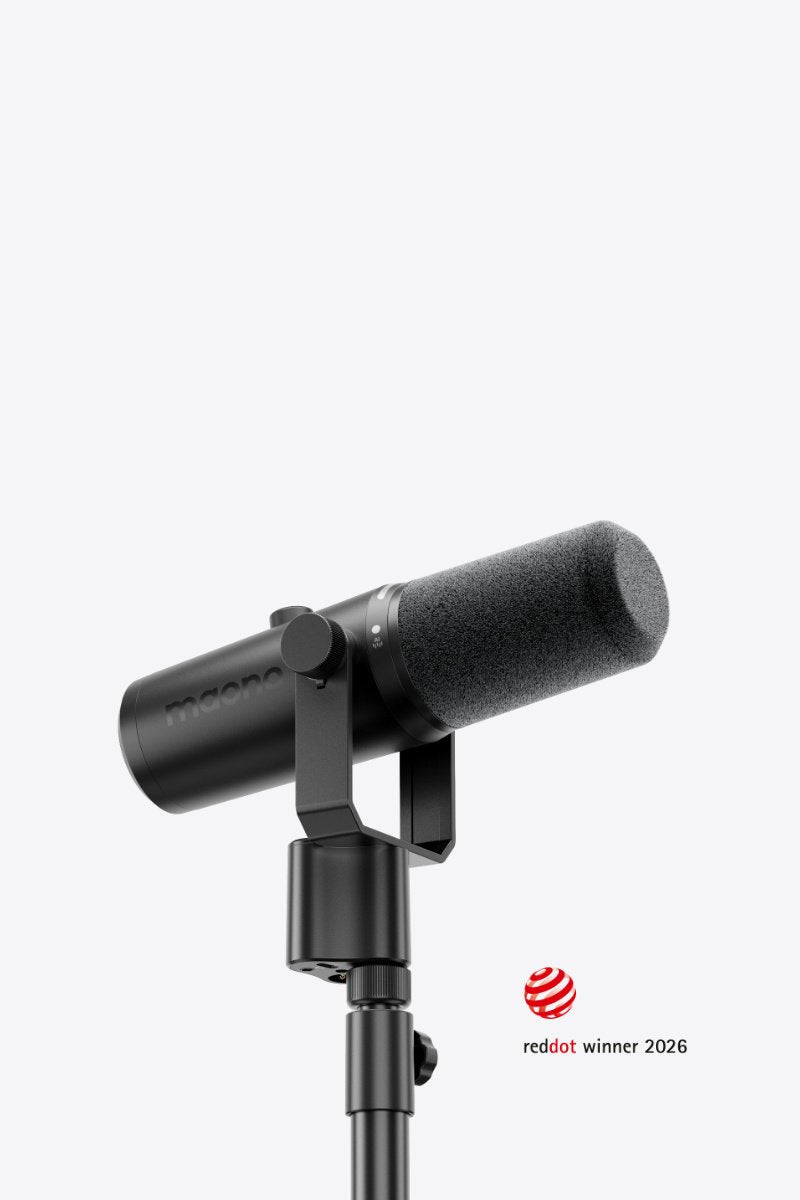
PD500W Hybrid
The World's First AI-Powered Hybrid Microphone

32GB Internal Recording
2.4GHz Wireless
USB-C Connectivity
XLR Connectivity


32-Bit Float Internal Recording
Safer Backup Channel
De-Popper & Limiters
Adaptive AGC


For Group Podcasts
For Dual Podcasts
For Streamers
For Vocalists


FAQs
One camera receiver can support two microphones as it only supports one-to-two mode.
Step1: Disabling internal recording of your microphone.
Step2: Connect the microphone to your phone or computer with a USB-C cable.
Step3: Press and hold the Internal Recording button for 5 seconds. When the recording indicator lights up orange, you can transfer the files to your device.
Note: It currently supports Windows, iOS and Android systems.
A3: 1. On the microphone
Short press the Internal Recording button to start Internal Recording; the red indicator light on the side will turn on. Long press for 3 seconds again to stop recording.
2. Via Maono Link software
Click the Internal Recording button to enable/disable Internal Recording.
The PD500W supports two connection methods: wireless and wired.
Wireless Connection: Plug the wireless receiver into your computer's USB port. Power on the microphone. A solid green mute indicator light means pairing is successful.
Wired Connection: Use a USB-C cable to connect the Type-C port on the microphone to the USB port of your computer. The device will connect automatically, and no power-on operation is required.
Short press the knob to switch adjustment modes.
When the mute indicator light is white: Gain adjustment mode. Turn the knob clockwise to increase microphone gain, and counterclockwise to decrease it.
When the mute indicator light is blue: Headphone volume adjustment mode. Turn the knob clockwise to raise headphone volume, and counterclockwise to lower it.
Join the PD500W Launch Campaign
The PD500W crowdfunding project is officially live on Kickbooster. Apply now to get your exclusive referral link and secure a 10% commission.