




Download Center
Software, firmware, manuals and sound presets for every Maono microphone, audio interface and monitor speaker. Three steps and you have the right file for your system.

Choose your system in step three below.

Maono Link
Arena
ProStudio 2
1
What do you have
Product series
Software
Wireless microphones
PD Series
DM, PM and A04
P Series interfaces
Monitor speakers
Maono Link
Arena
ProStudio 2
ProStudio
DGM20 Tools
2
Model
PD500
PD200W
PD100W
DGM20W
WAVE T5
WAVE T1 MINI
PD300X
PD200X
PD400X
PD100X
PD100X RGB
DM40 and DM40 Pro
DM50
DM30 and DM30 RGB
PM450
A04 Gen2
A04E
DGM20 Series
MBS400
P1 and P2
PS22, PS22 Lite and PS22 Live
3
Your system
Windows
macOS
Android
iOS
PD200W
Wireless dynamic microphone for podcasting. Runs on Maono Link.
V4.0.88( Latest Version) Release notes
PD500W & PD500X: Added an application entry for beta version access.
PD200X: Added EQ import and export functions. functionality.
Shortcut Keys: Optimized shortcut key.
Release notes
V2.2.7 set the default noise reduction level to slight.
V2.2.6 added G3 compatibility.
V2.0.5 improved SoundPad playback.
Release notes
Hosts VST and VST3 plugins on physical input channels.
Ten second audition to compare effects before going live.
Sound pad with eight pages and 64 slots.
Release notes
V1.0.0.8 added P2 compatibility.
V1.0.0.2 added PS22 Live and PS22 Lite compatibility.
Release notes
V1.0.5 optimised the sound enhancement function.
V1.0.5 added a monitoring switch.

No standalone firmware file for this model. Firmware is delivered inside the software once the device is connected.

No manual published for this model yet. Merchant to supply the PDF or a help centre link.

No sound presets for this model. Presets are published for PM450 and PD300X.
By software type
Maono software
Five applications across the range. Pick one to load it into the selector above with its compatible devices already filtered.
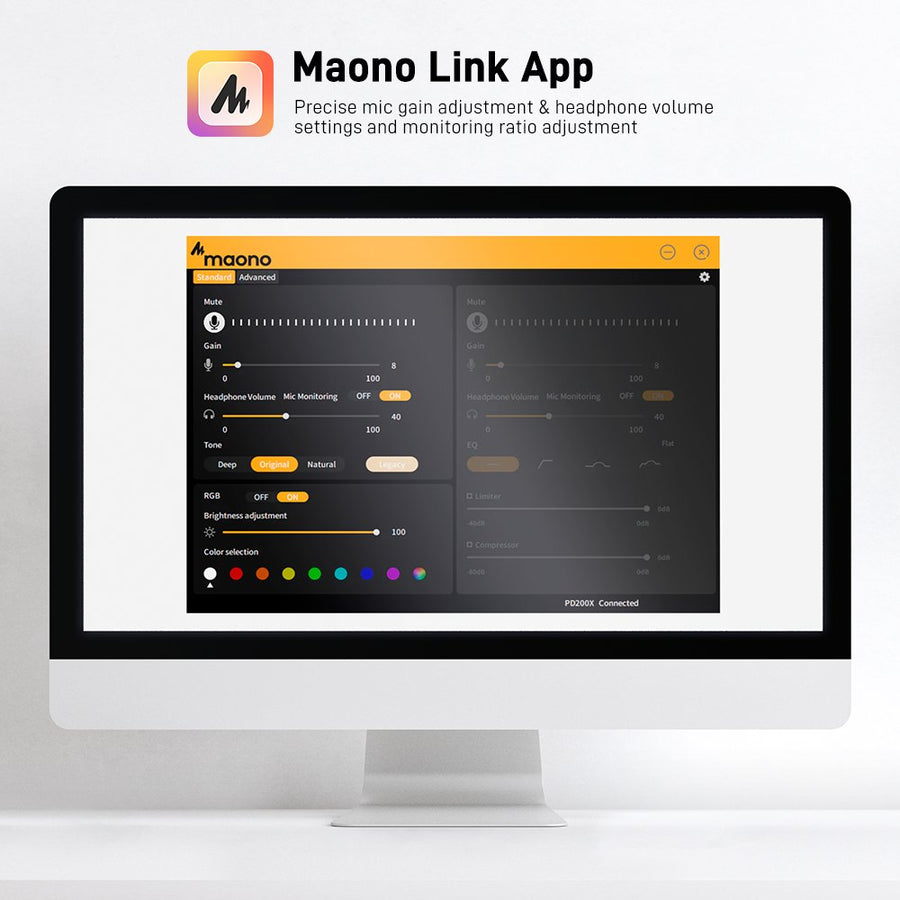
Maono Link
Gain, EQ, noise reduction, lighting presets and firmware updates for Maono USB microphones. Audio interfaces and sound cards are not supported.


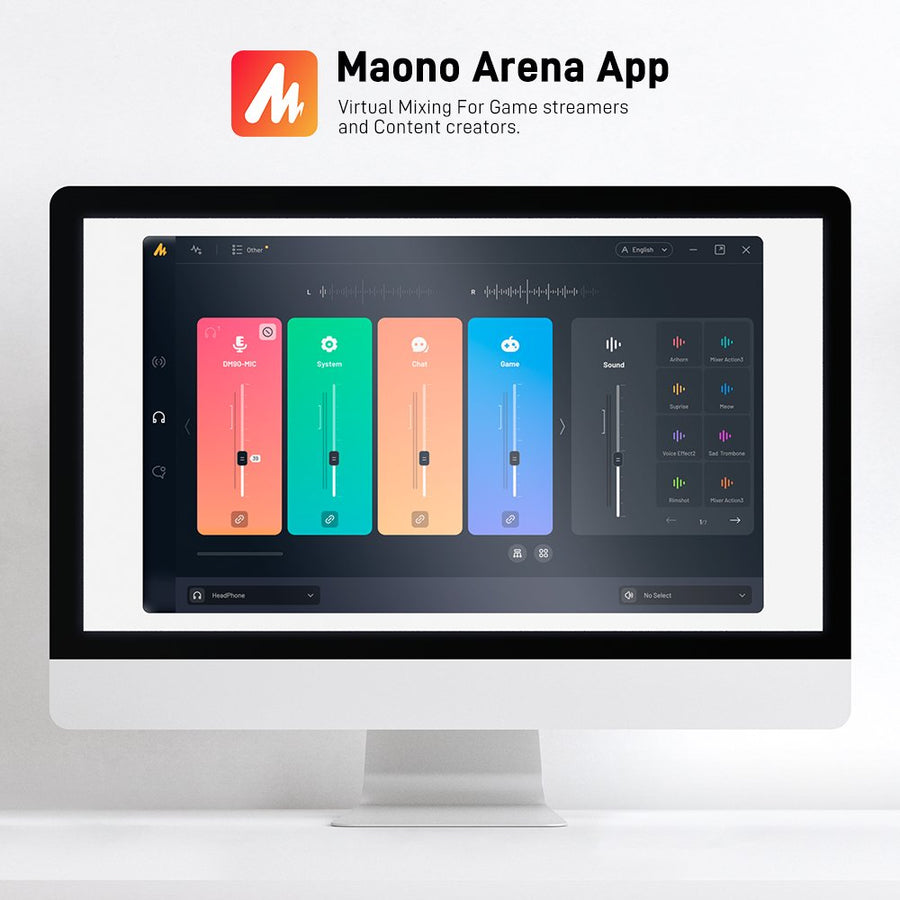
Arena
Routes up to five microphones and six virtual audio devices into three independent sub mixes, then sends the result straight to OBS or your stream.

ProStudio 2
Dual routing for streaming and chat, VST and VST3 plugin hosting, an eight page sound pad, and OTG output management.

ProStudio
The Maono Routing Center. ASIO settings, software routing and virtual channels across analog inputs, OTG, virtual and loopback channels.
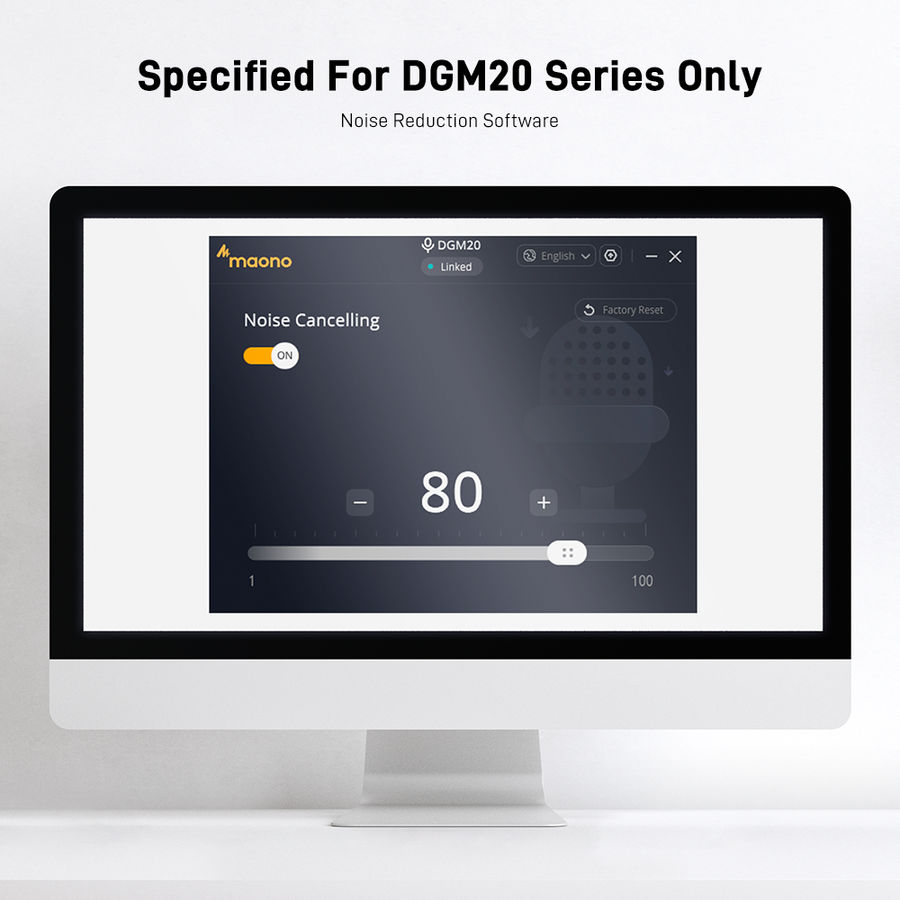
DGM20 Tools
Noise reduction software and the reset tool for DGM20 Series microphones. The reset tool clears a frozen microphone and should only be run when it is needed.
By product series
Find your model
Every model Maono publishes a download for, grouped by series. Tap a model to jump straight to its files.
Wireless microphones
5 models
PD200W
PD100W
DGM20W
WAVE T5
WAVE T1 MINI
PD Series
5 models
PD300X
PD200X
PD400X
PD100X
PD100X RGB
DM, PM and A04
7 models
DM40 and DM40 Pro
DM50
DM30 and DM30 RGB
PM450
A04 Gen2
A04E
DGM20 Series
P Series interfaces
2 models
P1 and P2
PS22, PS22 Lite and PS22 Live
Monitor speakers
1 model
MBS400
Before you install
System requirements
Check your operating system version against the software you are about to install.
Maono Link
Windows
Windows 10 version 1809 or later
macOS
macOS 13.5 or later
Mobile
Android and iOS builds available
Arena
Windows
Windows 10 and above
macOS
No macOS build
Devices
DGM20W, DM30 and DM40 Series, DM50, G3, PD100W, PD200W, PD100X Series, PD200X, PD300X, PD400X, PM450
ProStudio 2
Windows
Windows 10 64 bit and above
File size
35 MB
Hardware
Optimised for P1 and P2 sound cards
ProStudio
Windows
Windows only
Driver
Installs an ASIO driver
Devices
P2, PS22, PS22 Lite, PS22 Live
DGM20 Tools
Windows
Windows download only
macOS
No macOS build
Devices
DGM20 Series USB microphones

About antivirus warnings
Some antivirus tools flag our installers as a potential threat. These are false positives. You can check any installer against the VirusTotal report before you run it, and we recommend downloading only from this page. If a security warning worries you, contact support before you proceed.
Help
Common questions
Shop
Gear that runs this software
Cross sell strip at the foot of the page, for visitors who arrived to download and leave with a microphone.
APP BLOCK SLOT
Shopify product or collection block goes here. Suggested: a four up featured collection of the microphones that pair with the software above, with price and add to cart handled by the theme.
WIDGET SLOT
Review widget goes here (AG Product Reviews, Judge.me or whichever app the store runs), so downloads and social proof sit together.
Versions, compatible device lists, file links and manual links were read from maono.com and should be confirmed before go live. File sizes and release dates are not shown because the current pages do not publish them.

Top