





Stay Clear in
Any Environment
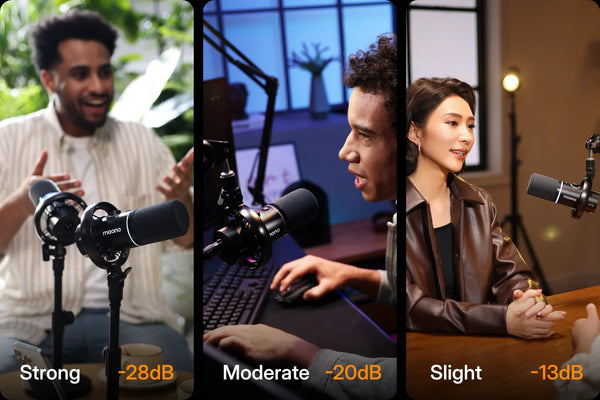
Eliminate echoes, background noise, and keyboard noise to keep your audience focused on you.

Up to 20% OFF + 2 Years Free Warranty | Shop Now →


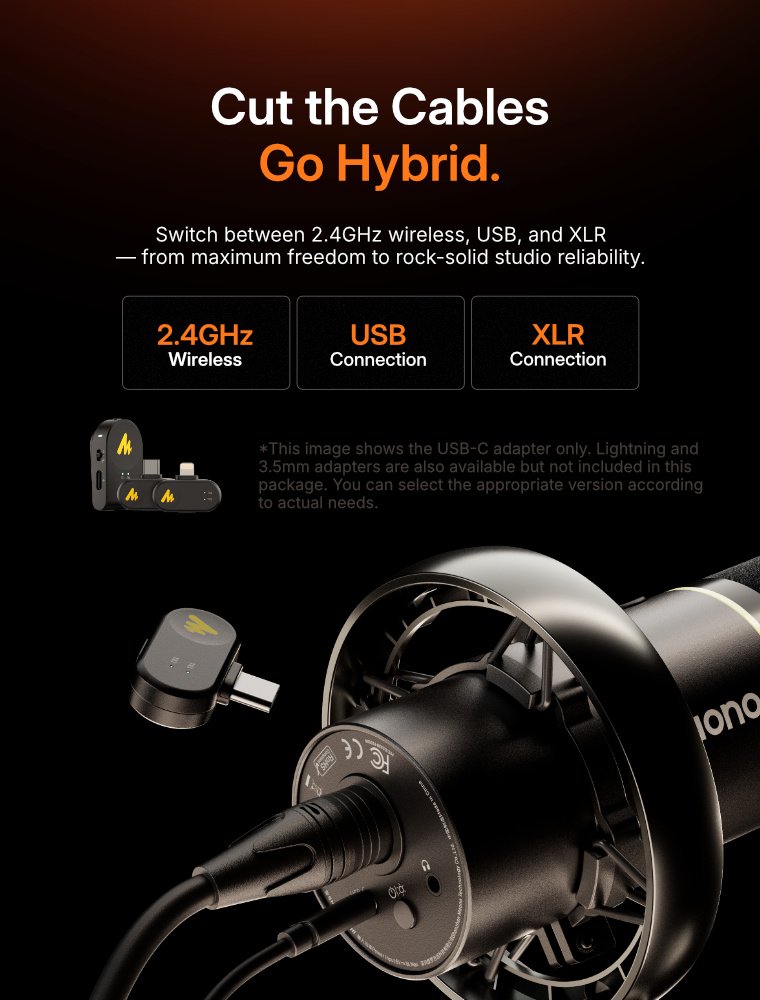
Ⅰ. 3 Modes: Wireless, USB, or XLR
Ⅱ. Rich, Pro Studio Sound
Ⅲ. Powerful 3-level noise cancelling.
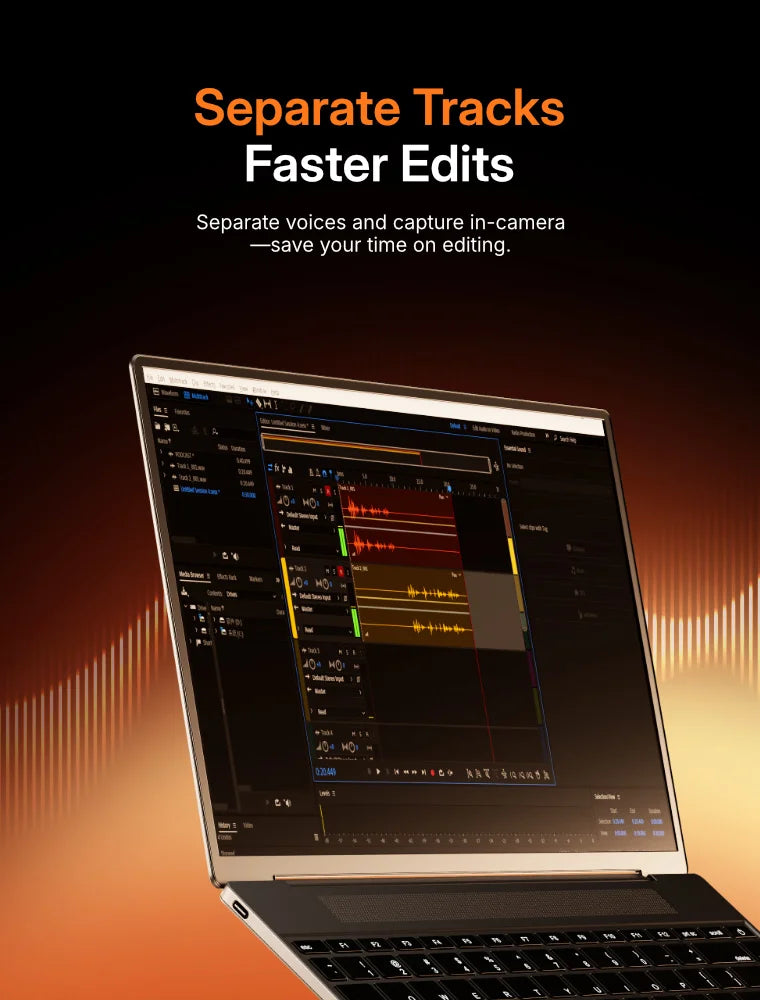
Ⅳ. Perfect for co-hosts, with clean and clear editing.
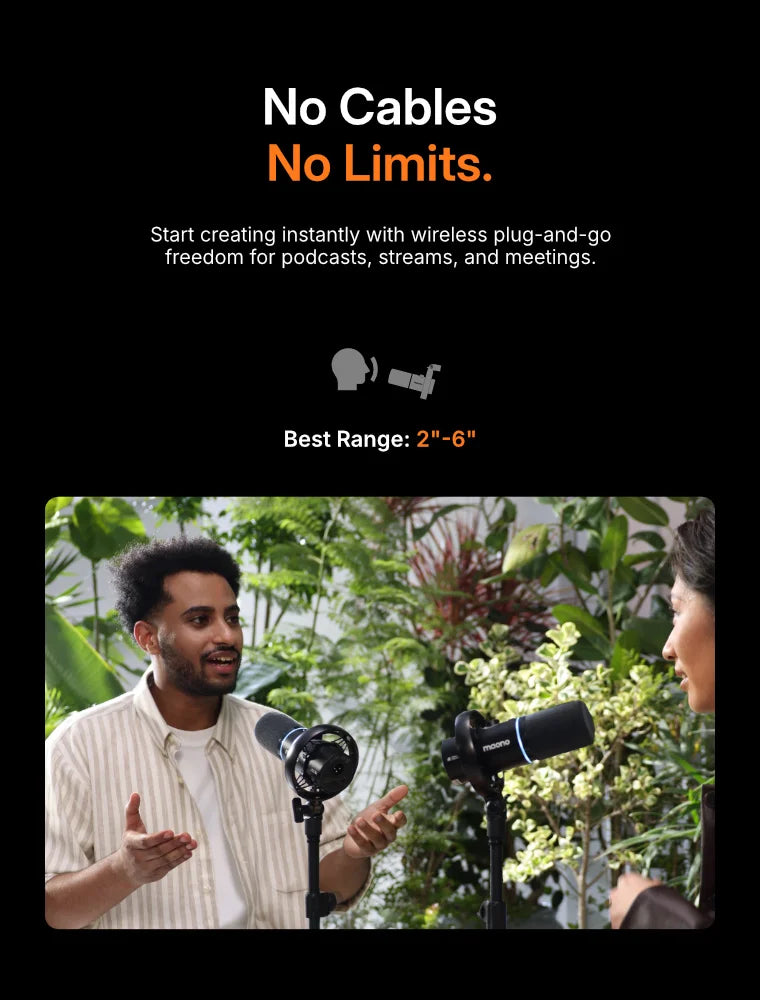
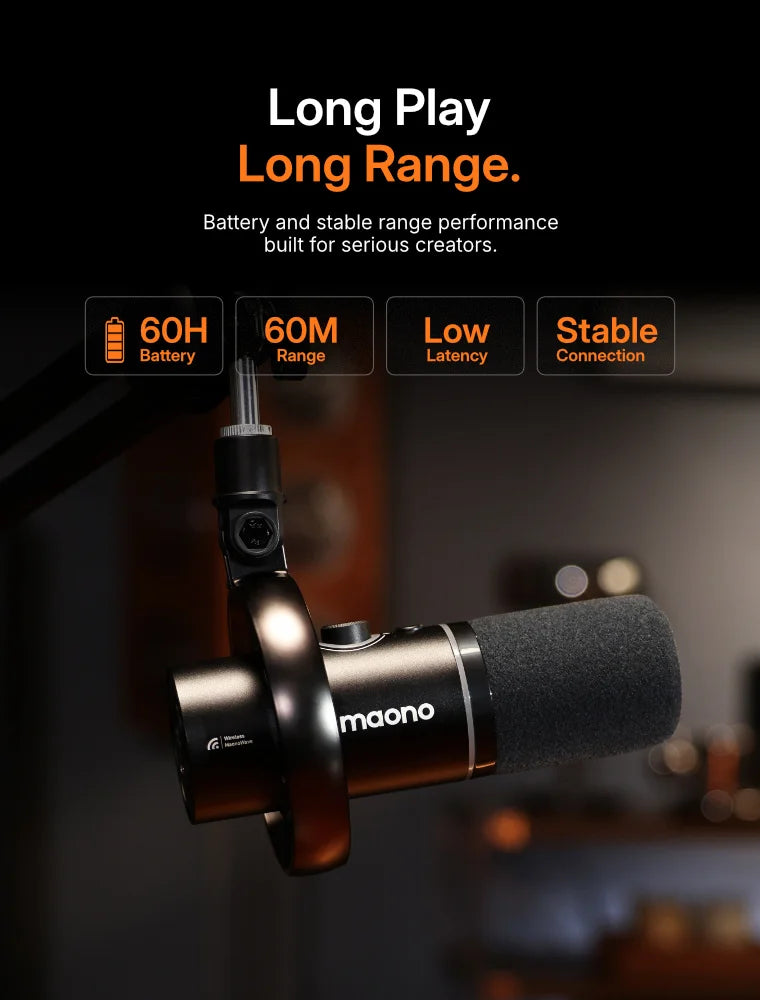
Ⅴ. Enjoy 60-meter wireless range and up to 60 hours of battery life (with RGB off).
Before & After: Hear the Difference


World's First Wireless Dynamic Microphone For Podcast
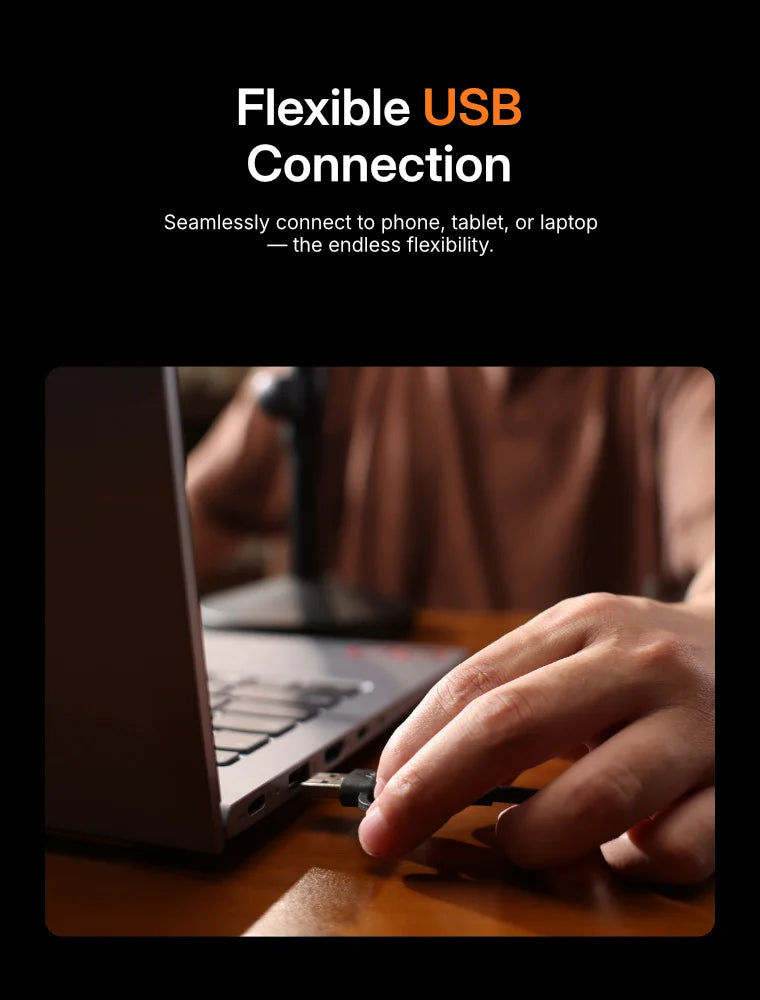
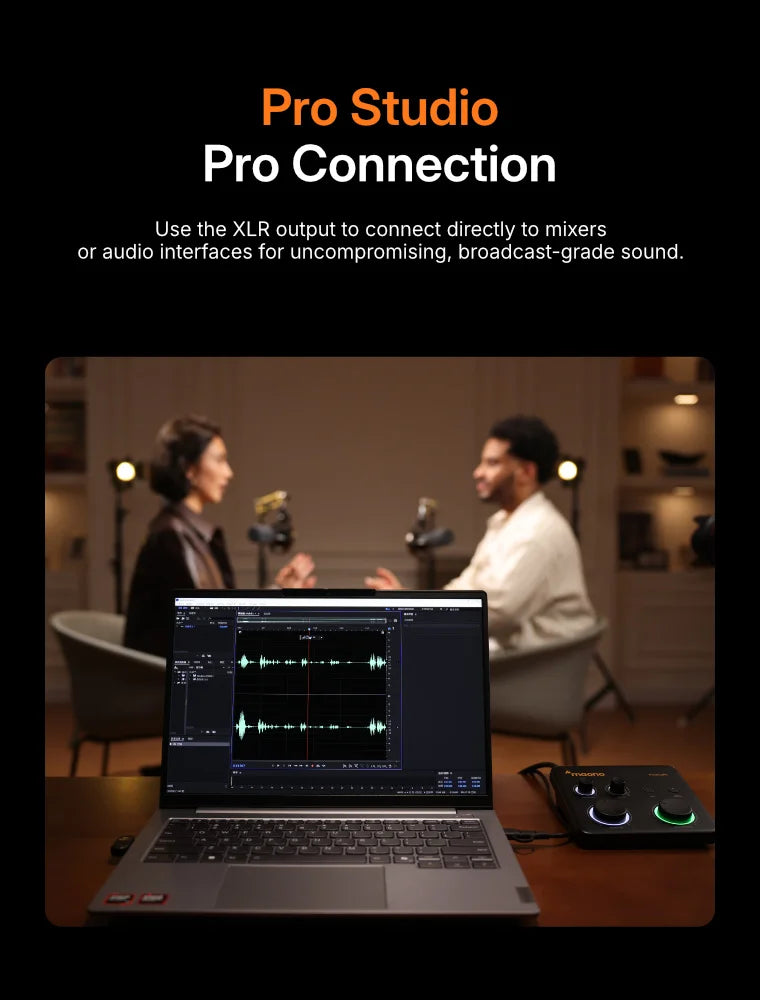
3 Connection Modes
Wireless Connection
USB Connection
XLR Connection
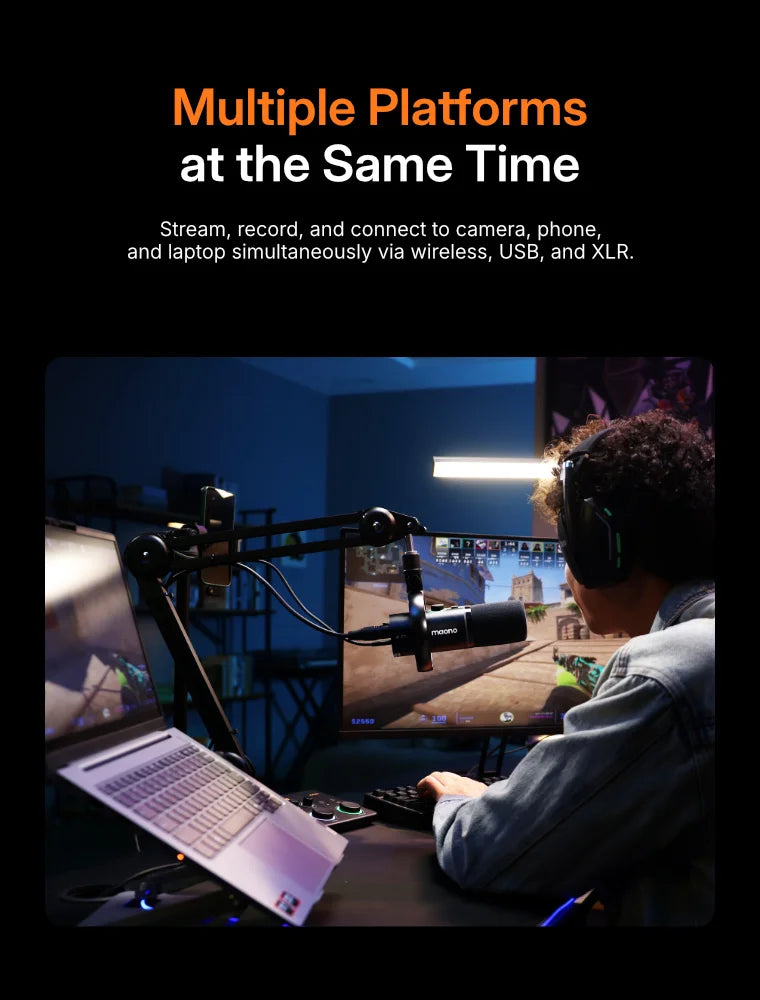
Multi-platforms Record
Any Environment
Eliminate echoes, background noise, and keyboard noise to keep your audience focused on you.
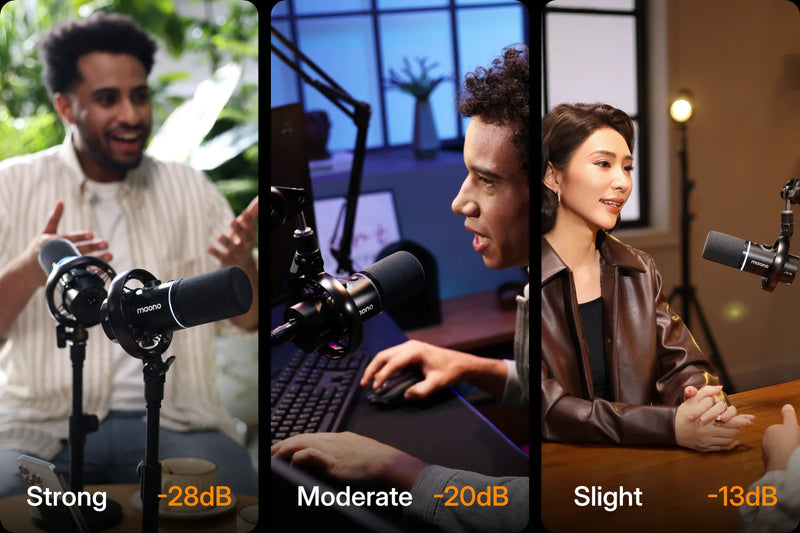
Any Environment
Eliminate echoes, background noise, and keyboard noise to keep your audience focused on you.
Stability
Track Recording
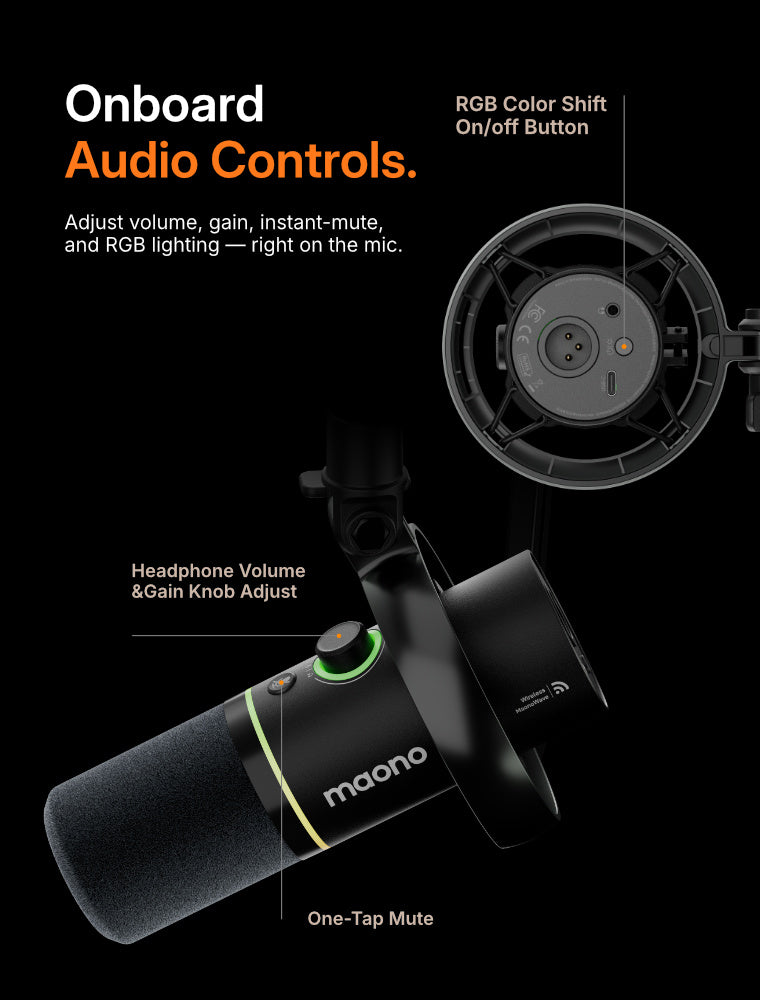
Audio Controls
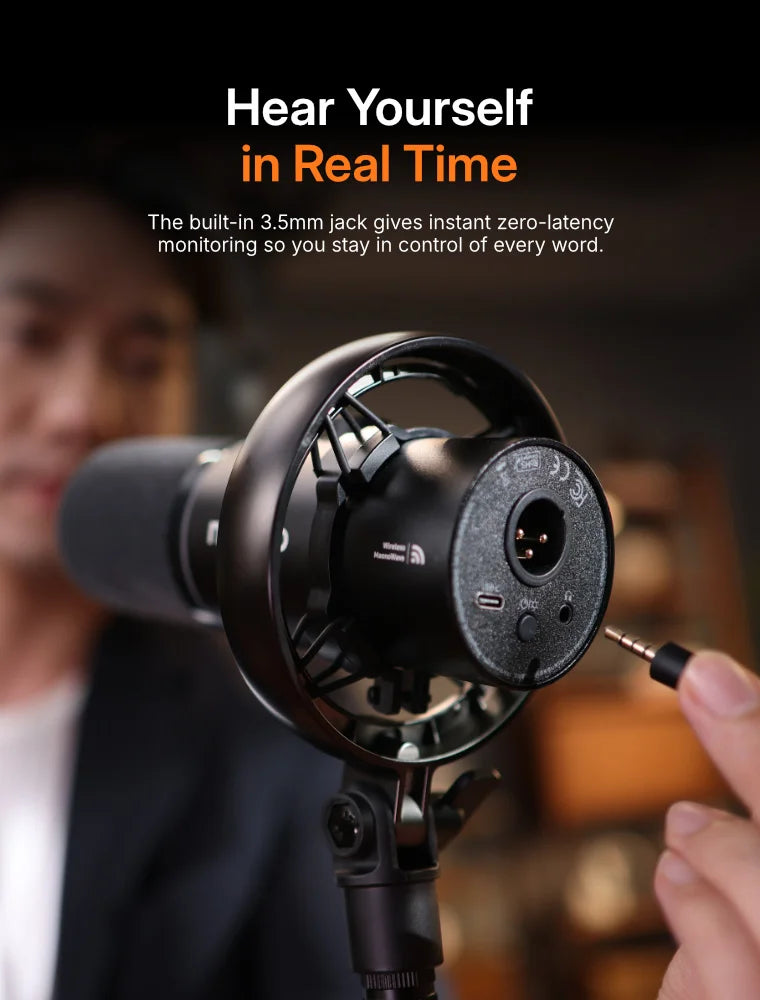
Monitoring
| Model | PD200W | M*7+ | K6** | A** |
|---|---|---|---|---|
| Brand | Maono | Sh*** | Fi*** | Fi*** |
| Price | $99.99 | $299 | $79.99 | $67.99 |
| Mic Type | Dynamic | Dynamic | Dynamic | Dynamic |
| Wireless Connectivity | 2.4Ghz | X | X | X |
| Wireless Range(m) | Up to 60 | X | X | X |
| Battery Life(hour) | Up to 60 | X | X | X |
| Onboard Noise Control | ✓ | X | X | X |
| Max SPL(dB) | 128 | 128 | - | 120 |
| SNR (dB) | 82 | - | 80 | 80 |
| A/D Conversion | 24-Bit | - | 16-Bit | 16-Bit |
| Sample Rate (khz) | 48 | 48 | 48 | 48 |
| App Fine-tune | ✓ | ✓ | X | X |
| 2TX+1RX Supported | ✓ | X | X | X |
| Camera Direct Connectivity | ✓ | X | X | X |
| One-tap Mute | ✓ | ✓ | ✓ | ✓ |
| RGB Light | 16.8M | 16.8M | X | 10+ |
| Wired Connectivity | USB/XLR | USB/XLR | USB/XLR | USB/XLR |
| Console/Table/Phone/PC Supported | ✓ | ✓ | ✓ | ✓ |
Do you have a channel you're passionate about? We’ve got your back. Stop letting poor audio quality hold your content back. Simply share your channel link below to unlock an exclusive 20% discount to get your PD200W and start sounding your best today!


Do you have a channel you're passionate about? We’ve got your back. Stop letting poor audio quality hold your content back. Simply share your channel link below to unlock an exclusive 20% discount to get your PD200W and start sounding your best today!

 rebecca brand
This Maono PD200W hybrid free-to-podcast wireless mic is the clearest-sounding and dependable mic for the most creative sets you could possibly have, no matter where for your podcasts.

 Christopher Cosey-Gear&tech
I have thoroughly loved this mic, and it is crazy that you can get this for under $100. There's so much functionality and flexibility in this mic; this mic has been freaking phenomenal at all.

 Watson's review
This mic is perfect for solo and two-person podcasts, very cool, very clean sound mic, love the wireless design and the RGB.This maono PD200W hybrid brings freedom, flexibility, and function to your content creation flow.

 TechUtopia
I think the PD200W mic should get a lot of rewards for the mic, and it is probably hard to beat this value for around 100 bucks. A studio quality for around 100 bucks, this is insane.

 Back to the retro review
I really like the tone of this mic. I like that it's versatile, I like that it's XLR, USB, wireless, and has the maono link software, it's an all-metal build except for the shock, I think this thing is fabulous.

 Maono
Maono
Tutorial | How to Connect PD200W Hybrid Directly to the Camera?
 Maono
Maono
How to Simplify Your Podcast Setup by Using the Maono PD200W Hybrid?

 Maono
Maono
Tutorial | How to Record Dual Channels with PD200W Hybrid?
 Maono
Maono
Tutorial | How to Connect PD200W Hybrid with XLR?
Maono
Tutorial | How to Connect PD200W Hybrid to iPhone & iPad?
 Maono
Maono
Unboxing | PD200W Hybrid Podcasting Microphone-Say Goodbye to the Cable Chaos



It’s a versatile and durable thing (it has a built-in shock mount and solid pop filter) that has plenty of range and looks great in front of your face on camera. I tested the Maono PD200W across a range of applications (Audacity, OBS, Discord, Google Meet, Streamlabs) and was generally pleased with the results. The equalization needed tweaking to perfect the voice stream, but it took no time at all. I’d hugely recommend it to new podcasters and a spirational streamers.

Thanks to a built-in wireless transmitter, you can use the mic anywhere, without being constrained by cables. The noise cancellation presets are very effective and can banish room reverb or passing traffic sounds without making your voice sound too electronically processed.

When playing back recordings from the Maono PD200W and listening to them ‘normally’, it sounds great. My voice was full, with plenty of warmth and depth, while retaining enough crisp clarity to not end up sounding overly muddy like some dynamic options do.

The PD200W records clean, crisp audio that is fairly level. Bass frequencies are not overpowering, and highs don't clip. Higher registers do tend to be slightly quieter than mids and lows, but the overall profile is well-balanced with a full body. It is well-tuned for podcasters and more conversational voice recording work such as voiceovers or audiobooks.

Podcasters will appreciate the wireless Maono PD200W Hybrid Microphone Kit with Boom Arm. The lack of a cable provides not only more freedom of placement, but also a cleaner look. The 3-stage noise cancellation reduces background noise.

The Maono PD200W is a plug-and-play directional microphone that allows you to capture studio-quality audio recordings for your video podcasts. I particularly appreciated the option to connect it wirelessly to a PC or smartphone, giving you greater flexibility in recording locations.

For audiophiles out there, there’s options that give the PD200W further flexibility. Like an XLR jack if you have a more professional setup. As for professional recording, I've started using it for recording the official Pocket Gamer Podcast. So if that's any indication, I think prospective podcasters will find it works great for its intended purpose.

Premium feeling all-metal build; Sturdy and heavy stand; RGB lighting is not overwhelming and can be managed/disabled; The desktop app is very easy to use and allows you to record voice clips.

USB Mode:
Connection Requirements: Plug-and-play (no additional devices needed).
Scenarios: Live streaming, voice chat, basic recording.
Key Features: Supports software-controlled volume/monitoring; all microphone functions work normally.
XLR Mode:
Connection Requirements: Requires external audio interface or mixer.
Scenarios: Professional studios, stage performances.
Key Features: More stable audio transmission; better sound quality. Note: Microphone lights turn off and buttons become inactive (normal behavior).
How to Use:
a. In your computer’s audio settings, select “Maono AI Microphone” as the audio input device.
b. Open the Maono Link software, find the "AI Settings" module in the upper right corner, and enable "AI Noise Reduction" and "Hear-Self".
No. The PD200W is a dynamic microphone and does not require an external 48V phantom power supply. You can use it by directly connecting it to your device.
Windows: Windows 10 - 1803 (version 17134) and above, Windows 11 (32/64 bit).
macOS: macOS 10.13 and above.
The PD200W microphone supports both wired and wireless connection methods.
Wired connection:
a. Use a data cable to connect the microphone’s Type-C port to your computer’s USB port.
b. Long-press the power button for 2 seconds to turn on the microphone (wait for it to initialize).
c. In your computer’s audio settings, select “Maono PD200W Mic USB” as the input/output device.
d. Connect your monitoring headphones to the microphone.
Wireless connection:
a. Connect the microphone’s Type-C wireless receiver to your computer’s USB port.
b. Long-press the microphone’s power button for 2 seconds to turn it on. The blue light around the microphone’s knob will flash to start wireless pairing; the flashing stops once pairing is successful.
c. In your computer’s audio settings, select “Maono Wireless Mic RX” as the input/output device.
d. Connect your monitoring headphones to the microphone.
A dynamic microphone is more durable and captures much less ambient noises compared to a condenser microphone. It's a preferred choice for recording vocals in untreated environments like homes and offices.
Based on Maono laboratory testing, the microphone's battery lasts for approximately 38 hours with the RGB lights on. When the RGB lighting is turned off, the battery life extends to 60 hours.
Charge Status Indicators:
Battery ≤20%: Orange light flashes around the knob.
Charging: Orange light stays on around the knob.
Fully charged (power on): Green light stays on.
Fully charged (power off): Light turns off.
