
The Maono P1 and P2 are USB hybrid audio interfaces for music production, podcasting, streaming, and video creation. Both support up to 24-bit/192 kHz recording, dual USB workflows, direct phone and camera connections, Loopback, and ASIO drivers. P1 focuses on solo creation with 70 dB of mic gain and Auto-Gain. P2 provides two XLR/TRS combo inputs for interviews, two-person podcasts, and collaborative recording.
Introduction: One audio setup for more ways to create
A creator's audio setup no longer serves only one device. Music may be recorded in a desktop DAW, a podcast may include a remote guest, a livestream may run from a phone, and a video may need finished audio sent directly to a camera. Moving between those jobs often means changing cables, adding adapters, or rebuilding the signal path each time.
The MAONO P1 and P2 USB hybrid audio interfaces are designed around that wider workflow. Both connect microphones and instruments to computers, phones, tablets, and cameras while providing monitoring and software routing for recording or streaming. P1 concentrates those tools in a solo creator format. P2 expands the same idea to two simultaneous input sources.
The result is a pair of interfaces that can move between home recording, podcast production, livestreaming, and video work without treating each activity as a separate audio system. Their shared features explain what makes the series useful; their different input designs determine which model fits a particular setup.
What are the Maono P1 and P2 audio interface?
P1 and P2 are USB audio interfaces built for creators who work across traditional recording software and newer mobile or video platforms. An audio interface converts microphone, instrument, and line signals into digital audio that a computer or mobile device can record. It also converts playback back to an analog signal for headphones and monitor speakers.
Both audio interfacce are made for music production, content creation, podcasting, and streaming. Each supports recording at up to 24-bit/192 kHz, an ASIO driver for Windows workflows, headphone monitoring, and main outputs for active studio monitors. Both also include 48V phantom power for compatible condenser microphones.
The word "hybrid " refers to the broader connection options. P1 and P2 support iPad music creation, direct phone use, direct camera output, and dual USB connectivity alongside a normal computer recording setup. That gives a creator one control point for several kinds of production rather than a desktop-only interface.
Studio recording quality for voice and instruments
Both audio interfaces record at up to 24-bit/192 kHz and accept microphones, line-level sources, and instruments. The main difference is how the preamps are allocated. P1 gives one microphone path more gain and automatic setup, while P2 provides two preamps for two-source sessions.
P1: 70 dB of gain for a solo recording path
P1 has one microphone preamp with up to 70 dB of gain and one Hi-Z instrument input. The higher gain range gives users more headroom with low-output dynamic microphones, quiet voices, and other sources that need more amplification. Actual gain requirements still depend on microphone sensitivity, speaking distance, performance level, and the recording environment.
The separate instrument input lets a solo musician connect a guitar or bass alongside a microphone. That arrangement fits singer-songwriter demos, vocal and guitar sessions, voice-over work, solo podcasts, and livestreams built around one presenter. P1 also lists a headphone amplifier, ASIO support, and main outputs for active monitors, so it can cover both recording and playback in a compact desktop setup.
P2: Dual preamps for collaborative sessions
P2 has two XLR/TRS combo inputs with up to 56 dB of clean gain. Each input can accept a microphone, line source, or electric guitar when the appropriate input mode is selected. This makes P2 suitable for two microphones, two instruments, or a combination such as a vocal microphone and guitar.
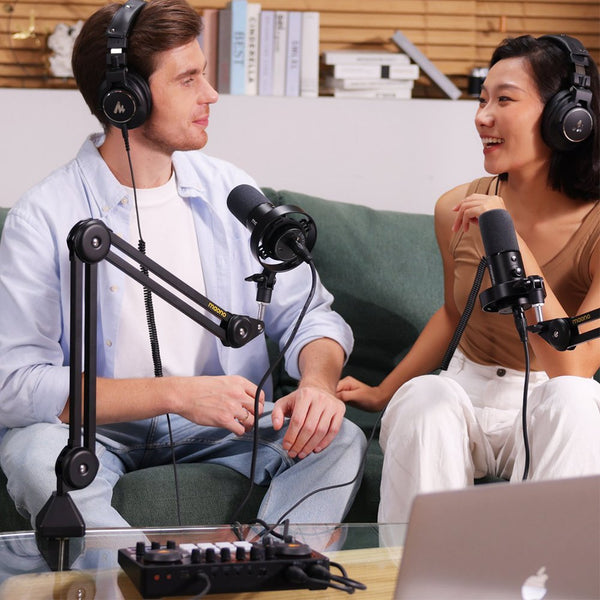
The second input changes the kinds of sessions the interface can handle. Two hosts can record a podcast without sharing one microphone. An interviewer and guest can use separate channels. Two musicians can perform together, and a DAW can retain control over both sources. According to MAONO's P2 setup guidance, turning off Stream Mode allows Input 1 and Input 2 to be assigned to separate mono tracks for independent editing.
Hybrid connectivity for computers, phones, tablets, and cameras
P1 and P2 extend the recording path beyond one computer through dual USB connectivity, direct phone use, iPad music support, and a dedicated camera output. These connections are useful because creators increasingly move the same microphone and instrument setup between a DAW, a streaming application, and a video production workflow.
Dual USB and mobile workflows
Hybrid connectivity for computers, phones, tablets, and cameras
P1 and P2 extend the recording path beyond one computer through dual USB connectivity, direct phone use, iPad music support, and a dedicated camera output. These connections are useful because creators increasingly move the same microphone and instrument setup between a DAW, a streaming application, and a video production workflow.
Dual USB and mobile workflows
We’ve made dual USB connectivity a core feature on both models.
The interfaces can become part of a computer recording setup while also supporting phone or tablet workflows. A musician can use an iPad-based music application, and a streamer can move from desktop software to a compatible phone without replacing the entire input and monitoring chain.
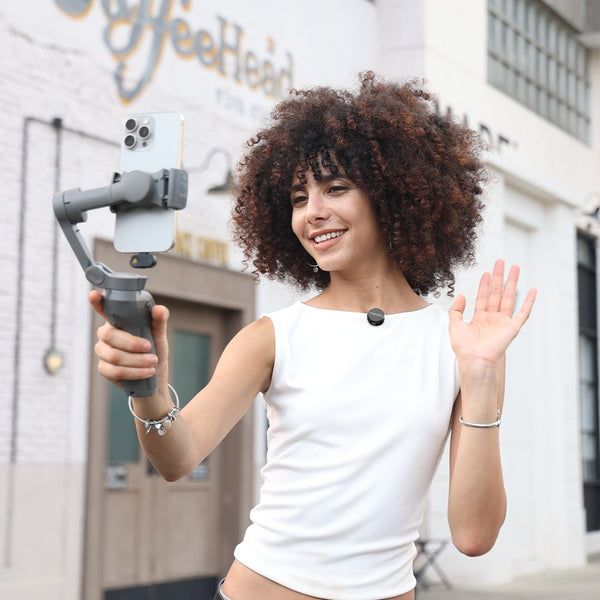
In addition, both P1 and P2 audio interfaces carries official MFi certification and connects directly to compatible iPhone, iPad, and PC devices through USB-C, according to its product page. It also has a 5V DC input for powering the interface. and please note that this power port does not reverse-charge a connected phone, so the phone should be charged before a long mobile session.
Direct camera audio for video production
The camera output sends audio from the interface to a camera's microphone input through a compatible 3.5 mm connection. This lets the video file contain audio that has already passed through the interface. For a video podcast, tutorial, or talking-head production, that can reduce the need to synchronize a separate recorder file during editing.
The same feature is useful outside a fixed studio. A creator can keep the microphone, gain, monitoring, and camera feed within one compact chain. The camera connection does not replace careful level checks, but it removes one of the common handoff points between audio recording and video production.
Auto-Gain on P1 (Doesn't available on P2)
P1's Auto-Gain feature sets an initial microphone level automatically. That is useful for a solo creator who cannot watch meters and adjust the interface at the same time. It also gives a new user a practical starting point before recording. Manual checks still matter, particularly when a performance changes significantly in volume.
Loopback for podcasts and streams
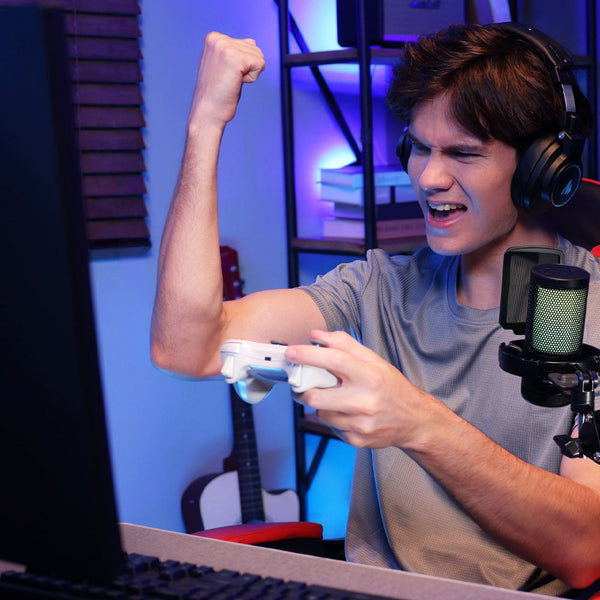
Loopback routes audio from software back into a recording or stream. A podcaster can include a remote guest, a gamer can combine microphone and game sound, and a livestream can include music, browser audio, or voice chat. MAONO lists three stereo Loopback channels for P1 and P2, giving creators multiple virtual audio paths for software-based production.
Mute, monitoring, and Stream Mode
Both models include mute control and monitoring functions. Direct monitoring lets users hear the incoming source without waiting for the signal to travel through recording software. P2 adds dual headphone outputs, allowing two participants to connect headphones during the same session.
P2's Stream Mode prepares its two inputs for a live output workflow. When separate post-production control is more important, users can switch out of Stream Mode and record the inputs as distinct DAW tracks. This gives P2 a practical split between a combined stream and an editable multitrack session.
Designed for desktop and mobile creator setups
P1 and P2 are intended to move between a home studio desk and a mobile creator kit. Both support microphones, instruments, headphones, active monitors, smartphones, and tablets. Their compact control surfaces keep frequently used functions within reach without adopting the size or channel count of a traditional studio mixer.
P1 is the more compact concept because it centers on one microphone preamp and one creator. P2 uses more desk space to accommodate two combo inputs, additional input controls, and two headphone connections. Both remain focused on small creator sessions rather than full-band recording.
P1 VS P2: What is the difference?
P1 prioritizes microphone gain, Auto-Gain, and a solo workflow. P2 prioritizes the number of sources that can be recorded at once. Their mobile and camera features overlap, so the choice usually begins with one question: does the session need one microphone preamp or two?
|
Feature |
||
|
Current website price |
$129.99 |
$119.99 |
|
Microphone preamps |
1 |
2 |
|
Maximum mic gain |
70 dB |
56 dB |
|
Auto-Gain |
Yes |
No |
|
Instrument inputs |
1 Hi-Z input |
2 combo inputs with Inst mode |
|
Maximum resolution |
24-bit/192 kHz |
24-bit/192 kHz |
|
Dual USB |
Yes |
Yes |
|
Direct phone and camera workflow |
Yes |
Yes |
|
Headphone connections |
1 |
2 |
|
Best fit |
Solo creators |
Two-person or two-source recording |
Who are P1 and P2 made for?
Ⅰ. Solo podcasters, streamers, and voice creators
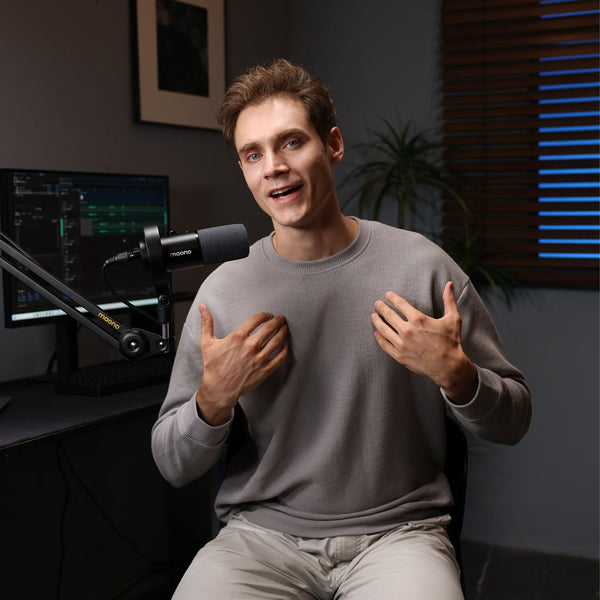
P1 fits a creator who normally works alone and wants one interface for voice recording, streaming, and video. The 70 dB gain range broadens microphone choices, Auto-Gain speeds up initial setup, and Loopback brings software sources into the production. Phone and camera connections make the same rig useful away from a desktop-only workflow.
Ⅱ. Interview teams and two-person podcasts
P2 is the natural fit when two voices need separate microphones. Its two preamps prevent hosts from sharing one microphone, and separate DAW tracks allow each voice to be adjusted later. Dual headphone connections also make it easier for two participants to monitor the session.
Ⅲ. Musicians and video creators
A solo singer-songwriter can use P1 for a microphone and instrument setup. P2 suits two performers, stereo sources, or sessions that need two inputs at once. Video creators can choose either model based on input count because both include direct phone and camera workflows.
P1 fits a creator who normally works alone and wants one interface for voice recording, streaming, and video. The 70 dB gain range broadens microphone choices, Auto-Gain speeds up initial setup, and Loopback brings software sources into the production. Phone and camera connections make the same rig useful away from a desktop-only workflow.
Interview teams and two-person podcasts
P2 is the natural fit when two voices need separate microphones. Its two preamps prevent hosts from sharing one microphone, and separate DAW tracks allow each voice to be adjusted later. Dual headphone connections also make it easier for two participants to monitor the session.
Ⅳ. Musicians and video creators
A solo singer-songwriter can use P1 for a microphone and instrument setup. P2 suits two performers, stereo sources, or sessions that need two inputs at once. Video creators can choose either model based on input count because both include direct phone and camera workflows.
Final thoughts
MAONO P1 and P2 combine familiar audio interface functions with the connections required by mobile and video creators. Both cover high-resolution recording, instrument inputs, Loopback, monitoring, dual USB, phone use, and camera output. P1 is the focused choice for one creator who values 70 dB of gain and Auto-Gain. P2 is built for collaboration, with two combo inputs, dual headphone connections, and separate-track recording. The right model depends less on headline specifications than on how many sources the next session needs to capture.
FAQs
Q1: What is a USB hybrid audio interface?
A USB hybrid audio interface supports standard computer recording while adding connections for mobile or video workflows. P1 and P2 combine USB audio, phone and tablet support, camera output, monitoring, and Loopback in one device.
Q2:What is the main difference between MAONO P1 and P2?
P1 has one microphone preamp, 70 dB of gain, and Auto-Gain. P2 has two microphone preamps with up to 56 dB of gain, making it better suited to two-person or two-source recording.
Q3: Can P1 and P2 connect to a phone or tablet?
Yes. MAONO lists direct phone use, iPad music workflows, and dual USB connectivity for both models. Device and cable compatibility should be checked against the current product documentation before setup.
Q4:Which model is better for podcasting?
P1 is better suited to a solo podcast, while P2 is the stronger choice for an interview or two-person show. P2 can record its two inputs to separate DAW tracks when Stream Mode is turned off.
Q5: Can P1 and P2 record vocals and instruments?
Yes. P1 provides a microphone preamp and a Hi-Z instrument input. P2 has two XLR/TRS combo inputs that can be configured for microphones, line sources, or instruments.